
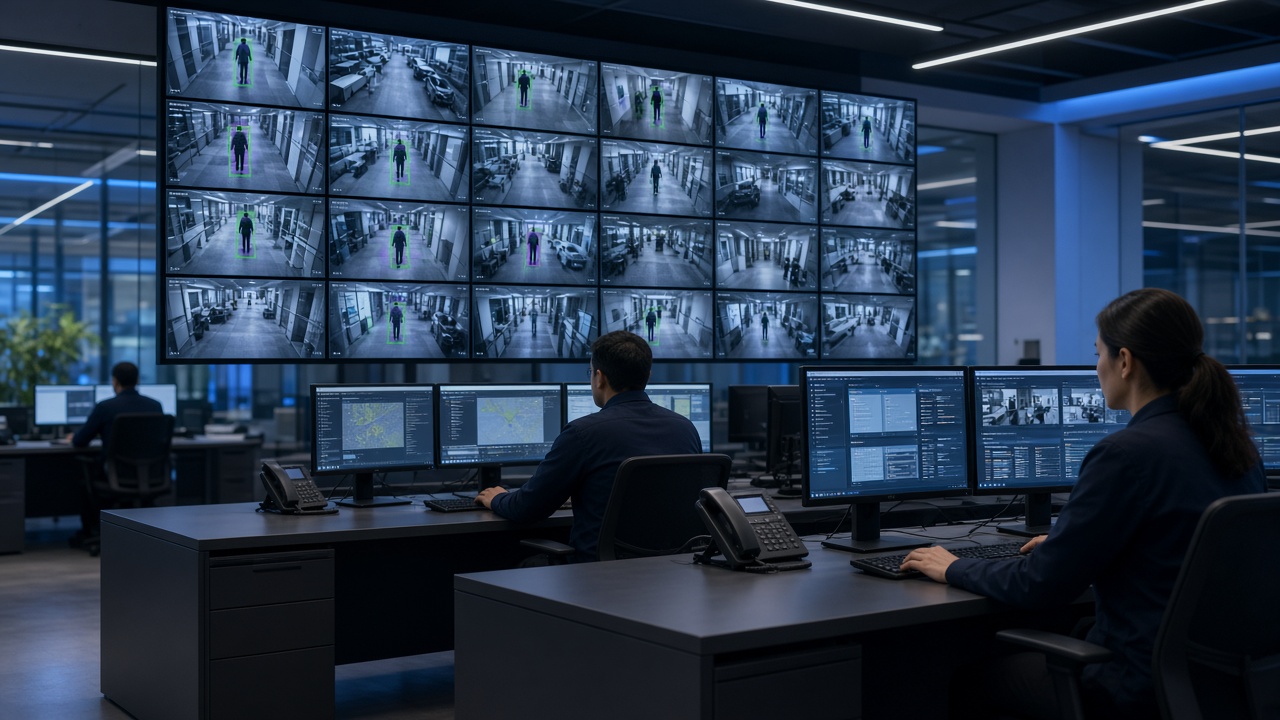
This is Cluster 1 — Foundations of Video Analytics. It gathers every “basics” question people ask about video analytics into one detailed guide: what it is, what the phrase means in practice, how it sits on CCTV, how CCTV differs from wider video surveillance, what benefits and limits to expect, and where the technology is heading.
What is video analytics?
Video analytics is software that studies camera video and turns pixels into useful information. Instead of asking a person to stare at every screen, the software watches continuously for patterns you care about — a person crossing a fence line, a vehicle entering a restricted bay, a worker without a helmet, a queue forming at a checkout, or a crowd growing near a gate.
In plain language: cameras still see; analytics helps you notice. The output is not just another video file. It is usually an event record with a timestamp, camera name, short clip or snapshot, and a label such as “intrusion,” “PPE missing,” or “vehicle detected.” That record can open an alert on a dashboard, send a notification to a phone, or feed a report at the end of the day.
Video analytics sits between the camera network and the people who must decide what to do. It does not replace human judgment. It narrows attention so supervisors spend time on the moments that matter.
Older “analytics” often meant simple motion detection: if pixels change, raise an alarm. That still has a place, but modern video analytics usually means computer vision and AI models that can tell a person from a tree shadow, a car from a trolley, or an open gate from normal doorway traffic. The difference is reliability. Fewer false alarms mean teams trust the system and actually respond.
What do people mean by video analytics?
When someone says “video analytics,” they may mean slightly different things depending on their role:
- Security teams usually mean intrusion, perimeter breach, loitering, abandoned objects, or after-hours presence.
- Safety & EHS teams mean PPE detection, restricted-zone entry, fall-like events, or forklift–pedestrian interaction.
- Operations & retail mean footfall counting, queue length, dwell time, heatmaps, and occupancy.
- Traffic & city teams mean vehicle counting, number-plate reading (ANPR), wrong-way movement, or violation support.
- IT & integrators mean the software stack: cameras → streams → servers or edge boxes → models → dashboards → integrations.
So the meaning of video analytics is broader than one feature. It is the family of techniques that convert video into structured data you can alert on, search, measure, and report.
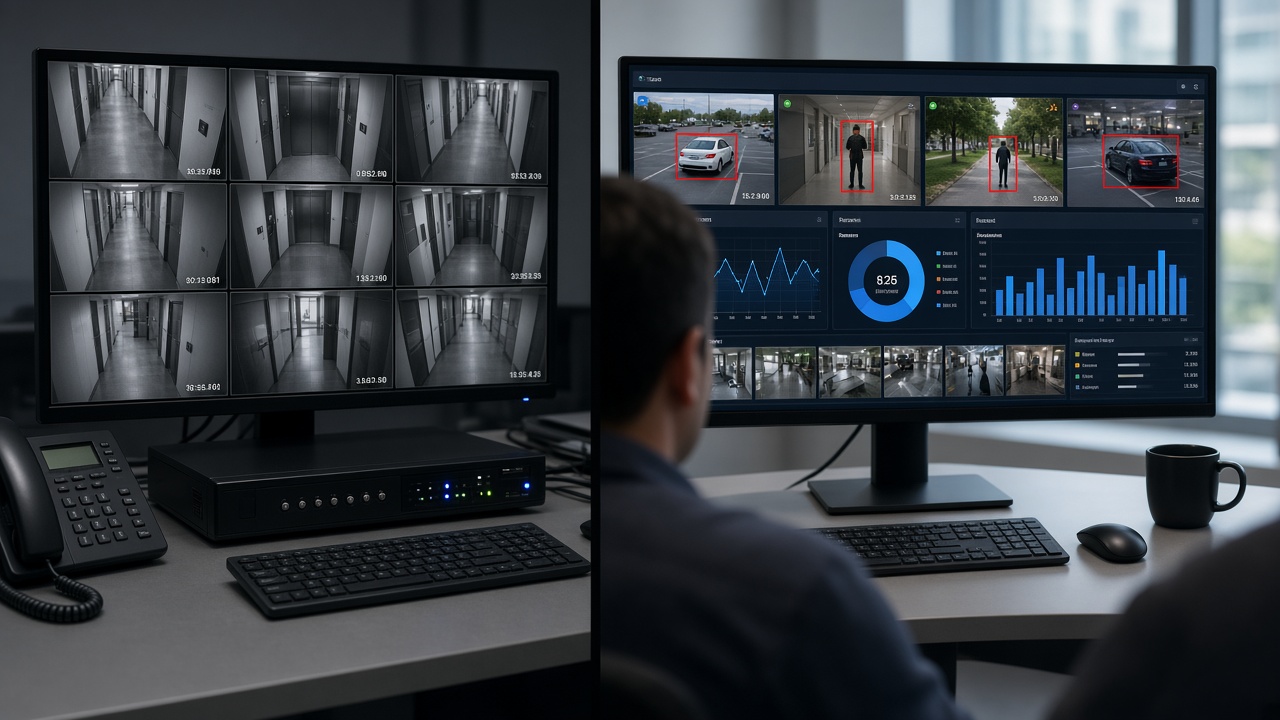
If a vendor brochure says “AI video analytics,” ask what exactly it detects, in which lighting conditions, on which camera angles, and how false alarms are handled. The phrase is popular; the capability still depends on setup quality, model training, and operational process.
What is CCTV with video analytics?
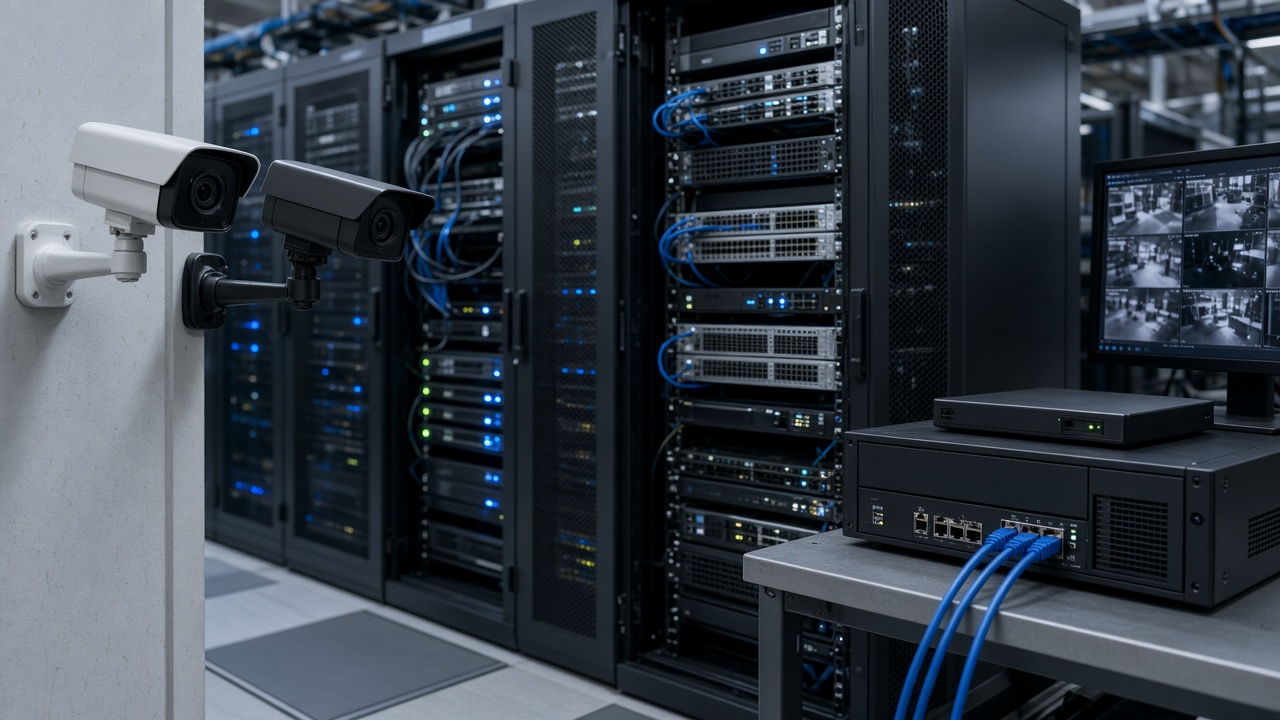
CCTV with video analytics is a normal camera system plus an intelligence layer. You keep cameras, network video recorders (NVRs) or video management software (VMS), storage, and viewing clients. On top of that, analytics software continuously or selectively analyses streams and creates events.
You do not throw away existing cameras in most projects. Many organisations start by connecting selected cameras — gates, loading bays, shop floors, highway junctions — to analytics first, then expand. Recording continues as usual for investigation and compliance. Analytics sits beside recording so that when something important happens, someone is notified without scrubbing hours of footage.
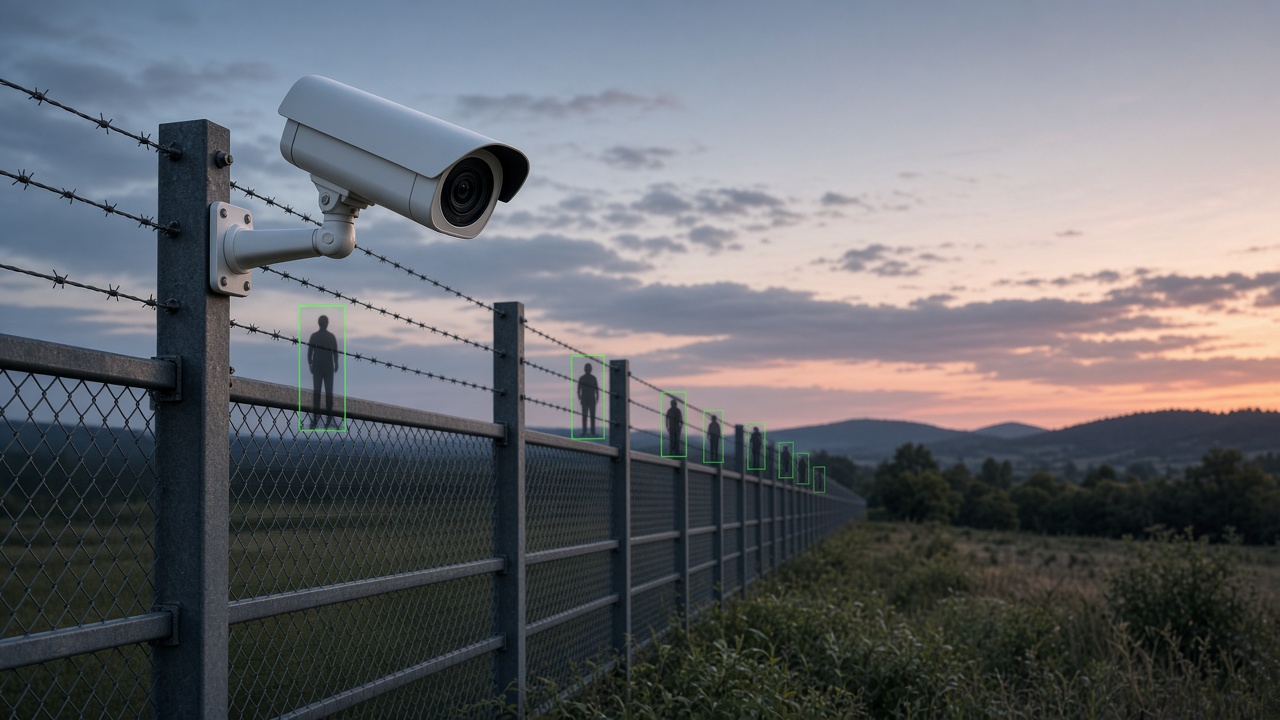
In practice, “CCTV with video analytics” is what most factories, campuses, malls, and city projects mean when they say they want smart surveillance: keep the familiar camera estate, add software that reduces missed events and speeds response.
What is video analytics in CCTV?
Video analytics in CCTV is the same idea described from inside the system. Cameras produce frames. Analytics models run on those frames (on the camera, on a nearby edge device, or on a central GPU server). Detections become events. Events become alerts and reports.
Think of it as the “brain” layer of CCTV:
- The eyes are cameras and lenses.
- The memory is storage and the VMS/NVR.
- The brain is video analytics — noticing, classifying, and prioritising.
- The voice is alerting — dashboards, SMS, email, mobile push, or integration into a command system.
Inside the analytics engine you will often find object detection (person, vehicle, PPE), tracking (follow an object across frames), zone rules (enter / exit / loiter), and sometimes specialised modules such as ANPR or face/attribute analytics where legally allowed. Configuration matters as much as the model: a perfect algorithm aimed at the wrong angle still fails.
CCTV vs video surveillance — what’s the difference?
People often use the words interchangeably, but they are not identical:
CCTV (Closed-Circuit Television) traditionally emphasises the hardware and the closed network of cameras, cables, recorders, and monitors. Historically it meant “we record and we can replay.” Success was measured by coverage and retention days.
Video surveillance is the wider operational practice: watching, analysing, alerting, investigating, and responding. Today that practice frequently includes AI analytics, central command centres, mobile supervision, and links to other systems (access control, ticketing, e-challan, building management).
Simple memory aid: CCTV records. Smart video surveillance helps you respond. You can have CCTV without meaningful surveillance (cameras nobody watches). You can also have strong surveillance workflows that depend on CCTV as the sensor layer.
Benefits of video analytics
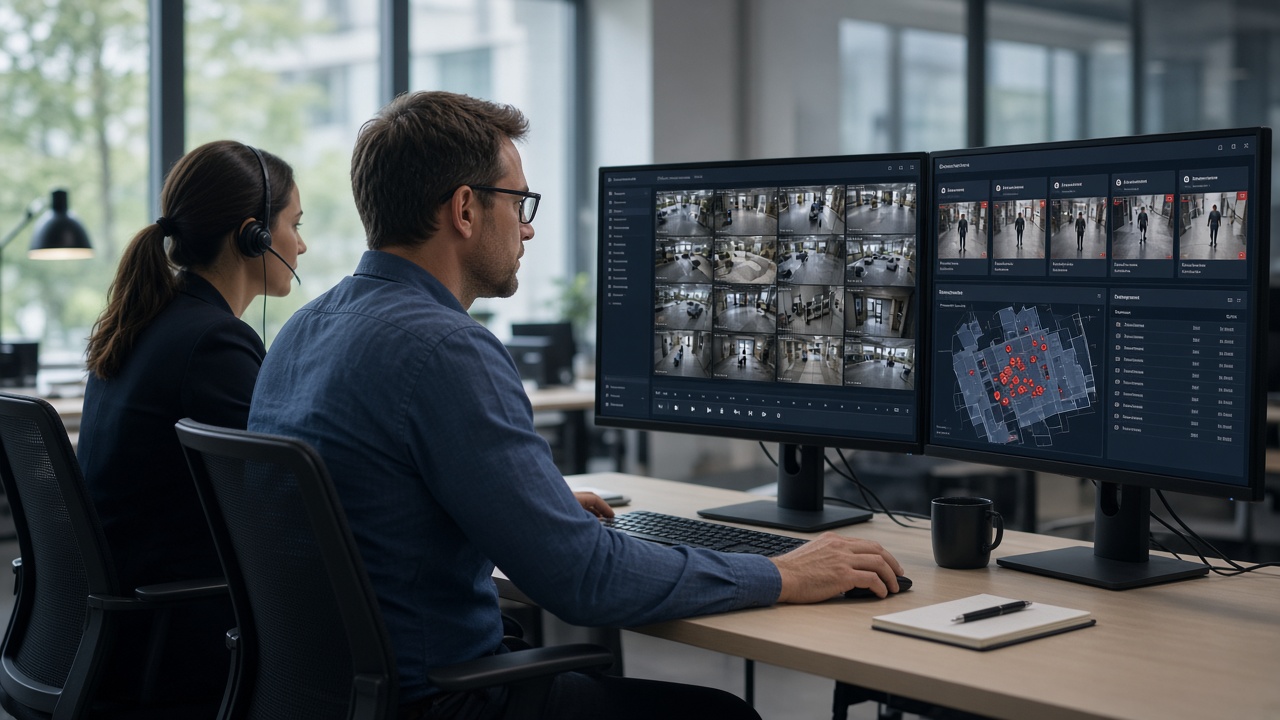
Organisations adopt video analytics for practical outcomes, not for buzzwords. The most common benefits are:
- Fewer missed events. Humans cannot reliably watch dozens of feeds for hours. Analytics never blinks. It flags defined situations so operators can verify and act.
- Faster response. An alert with a snapshot and camera location is faster than discovering an incident hours later during random review.
- Better use of staff. Guards and supervisors shift from continuous staring to exception handling — a healthier, more scalable operating model.
- Searchable evidence. Instead of scrubbing a full day’s video, teams filter by event type, camera, and time window.
- Operational insight. Beyond security, counts and heatmaps help retail staffing, queue management, parking utilisation, and plant safety audits.
- Consistency. Rules fire the same way on night shifts and weekends, reducing dependence on who is on duty.
Limits and realistic expectations
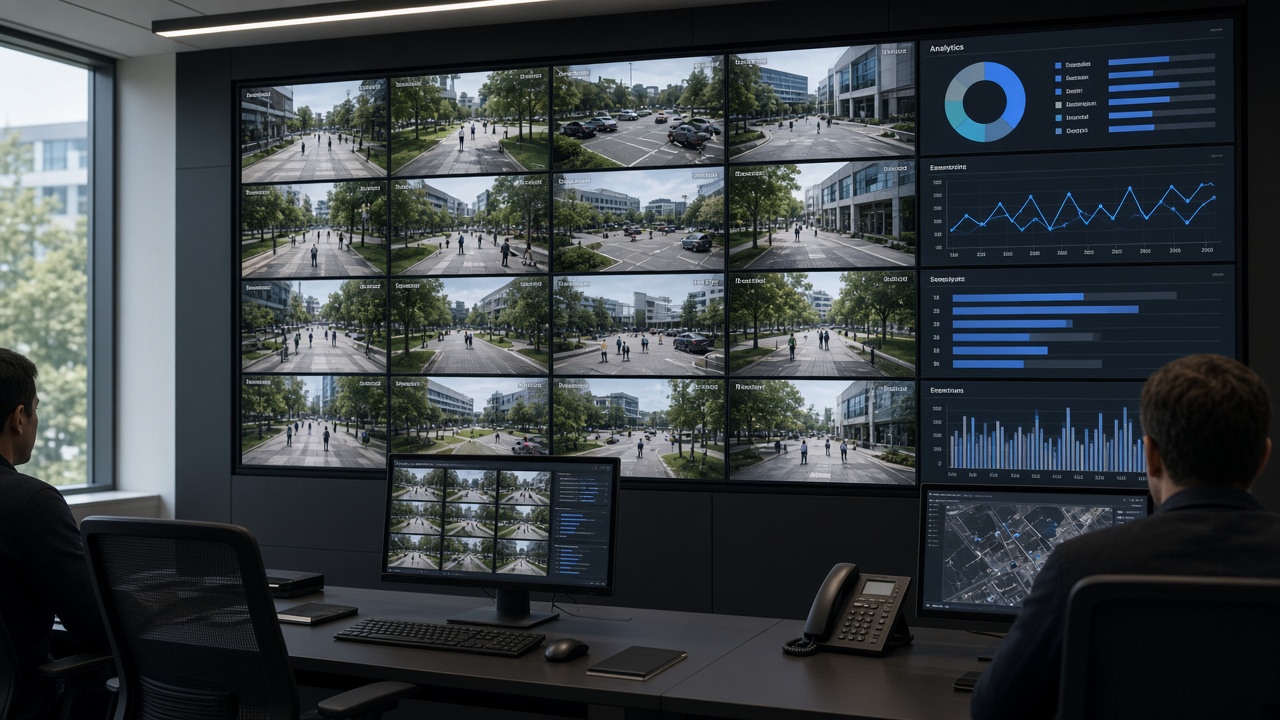
Video analytics is powerful, but it is not magic. Setting honest expectations prevents disappointment:
- Camera quality and angle matter. Blurry, backlit, or poorly aimed cameras reduce accuracy. Analytics cannot invent detail that is not in the image.
- False alarms still happen. Wind-blown foliage, insects near lenses, glare, and unusual clothing can confuse models. Good projects include tuning, schedules, and human verification.
- Not every use case is equal. Detecting a person in a clear corridor is easier than complex crowd behaviour in rain at night.
- Privacy and policy apply. Especially for face-related or workplace monitoring features, organisations must follow law, labour policy, and data-retention rules.
- Operations still win or lose the project. Alerts nobody acknowledges create noise. Success needs roles, escalation paths, and review habits.
- Compute and bandwidth cost money. Analysing every camera at full resolution live may be unnecessary; many sites analyse priority cameras or use smart sampling.
The future of video analytics (plain view)
Looking ahead, video analytics is moving in several practical directions that buyers should understand:
- More on the edge. Processing closer to the camera reduces bandwidth and can cut latency for local alerts, with summaries sent to a central console.
- Better multimodal context. Systems increasingly combine video with IoT sensors, access logs, and maps so an alert is not just “person detected” but “person in restricted zone after door forced open.”
- Rich operational analytics. Security remains important, but manufacturing, retail, logistics, and cities use video as a sensor for efficiency and compliance KPIs.
- Stronger evidence workflows. Events are packaged for review, audit, and integration with enforcement or ticketing systems.
- Responsible AI expectations. Buyers ask about accuracy reporting, bias testing, audit logs, and data governance — not only feature lists.
Key takeaway
Video analytics makes cameras useful in daily operations — for security, safety, and business insight — without requiring someone to watch every feed. It is the difference between owning video and owning awareness.
If you remember only three points from this cluster:
- Video analytics turns CCTV from a recording archive into an event-driven system.
- CCTV is the sensor layer; video surveillance is the operational practice that includes analysis and response.
- Benefits are real when camera quality, rules, and human workflows are designed together — not when software is bolted on alone.
A practical starter checklist
If you are responsible for cameras at a factory, campus, mall, hospital, or city corridor, use this checklist before you talk to any vendor. It keeps the conversation grounded in outcomes instead of slogans.
- 1. Name one primary risk. Write a single sentence such as “After-hours perimeter intrusion at the east fence is our highest risk” or “Missing helmets on Bay 3 are our highest safety gap.” Secondary goals can wait. Projects that try to solve every camera problem in month one usually stall.
- 2. List the cameras that actually see that risk. Walk the site. Note camera IDs, mounting height, day and night image quality, and whether foliage, glare, or passing headlights will confuse analytics. A spreadsheet with columns for camera ID, purpose, day quality (1–5), night quality (1–5), and notes is enough.
- 3. Define the human response. Who receives the first alert? What must they do in the first two minutes? Who is the escalation contact at 2 a.m.? If nobody owns the response, analytics will only create a prettier unused log.
- 4. Decide what “good” looks like in 30 days. Examples: “Average verification time under three minutes,” “Fewer than X false alarms per night on the pilot cameras,” or “At least one real incident caught that would previously have been found only on review.”
- 5. Separate recording goals from intelligence goals. Retention days, megapixel counts, and storage quotes belong to the recording conversation. Intelligence goals are about events, alerts, and decisions. Mixing them early causes budget fights that have nothing to do with analytics quality.
Common myths (and clearer truths)
- Myth: “AI cameras mean we can fire the guards.” Truth: AI changes what guards do. Coverage improves when people verify exceptions instead of staring. Headcount decisions depend on site risk, union rules, and response needs — not on a brochure.
- Myth: “If it is AI, false alarms disappear.” Truth: False alarms drop when scenes are suitable and rules are tuned. They never hit absolute zero in open outdoor environments. Plan for verification.
- Myth: “We need AI on every camera on day one.” Truth: Analysing every camera live is expensive and often unnecessary. Start with priority views that match the primary risk.
- Myth: “Higher megapixels automatically mean better analytics.” Truth: A sharp, well-aimed mid-resolution view often beats a poorly aimed ultra-high-resolution stream. Optics, angle, and lighting beat marketing megapixel races.
- Myth: “Analytics replaces the need for procedures.” Truth: Analytics without SOPs creates noise. Procedures without analytics miss events. You need both.
Questions to ask any supplier
Bring these questions to demos. They separate serious implementers from slide-only sellers:
- Can you run a pilot on our existing camera streams for two weeks?
- Which three event types will you guarantee to configure in the pilot?
- How do we measure true positives and false positives together?
- What happens when a camera goes offline — do we get a health alert?
- Who tunes zones after go-live, and how often is that included?
- Where is video and event metadata stored, and who can export it?
- How do mobile alerts avoid flooding supervisors at night?
- What integrations have you actually shipped (not just claimed)?
Write down answers. Ambiguity on storage, tuning ownership, or false-alarm handling is a warning sign.
Layman glossary for Cluster 1
- Stream: the live video coming from a camera over the network.
- Event: a structured record that something of interest happened, with time and camera ID.
- Zone: a drawn area in the camera image where rules apply.
- False alarm / false positive: the system alerted, but the situation was not actually a problem.
- True positive: the system correctly flagged a real situation you care about.
- Edge: processing near the camera or site instead of only in a distant data centre.
- VMS / NVR: software or appliance mainly used to record, organise, and play back video.
- SOC: security operations centre — the room or team that monitors alerts.
Summary
- Start with one clear goal — for example, after-hours perimeter alerts or PPE compliance on one shop floor — then expand.
- Keep language simple enough that any supervisor can understand alerts.
- Measure success by response quality and reduced missed events, not by how many AI buzzwords appear on a proposal.
- Cluster 1 gives you the vocabulary.
- Later clusters cover types and examples, software and tools, AI cameras and apps, and full AI surveillance projects.