
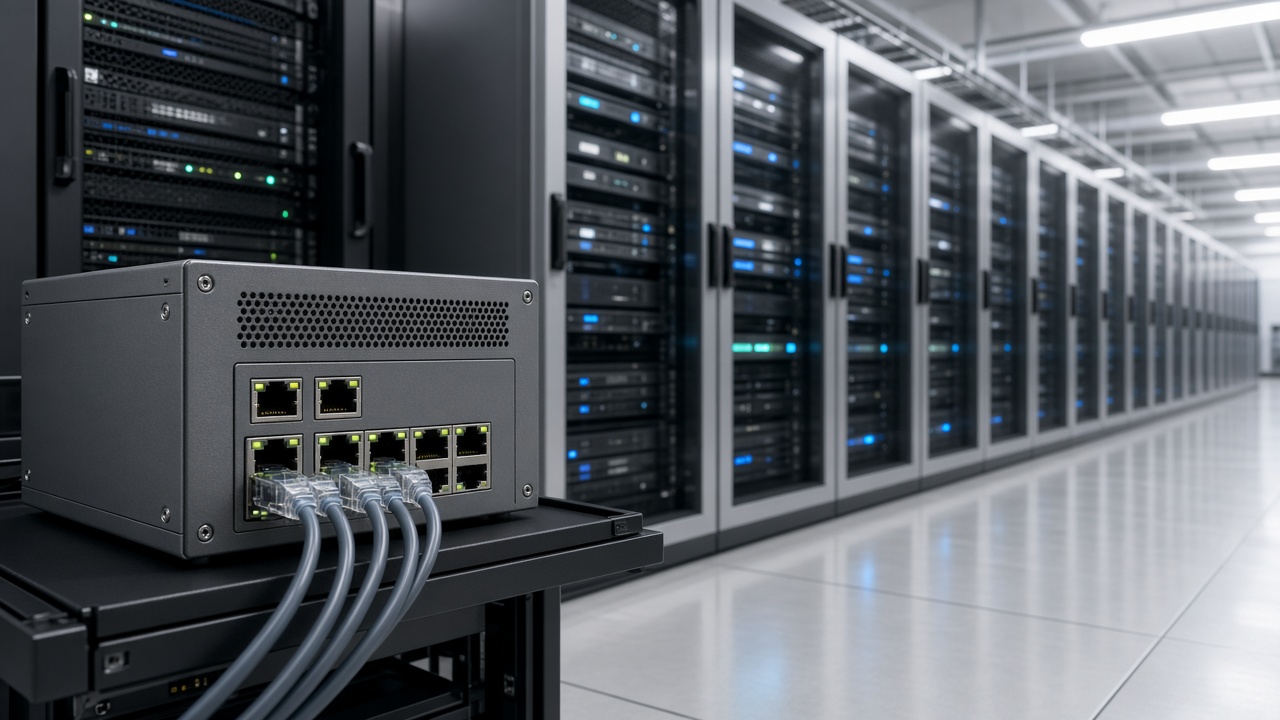
This is Cluster 10. This cluster explains AI video analytics architecture and ecosystem language: layers, deployment models, scalability, security and DPDP-minded practice, deployment steps, and the difference between platform, solution, technology, and product suite. Use it as a blueprint vocabulary for projects.
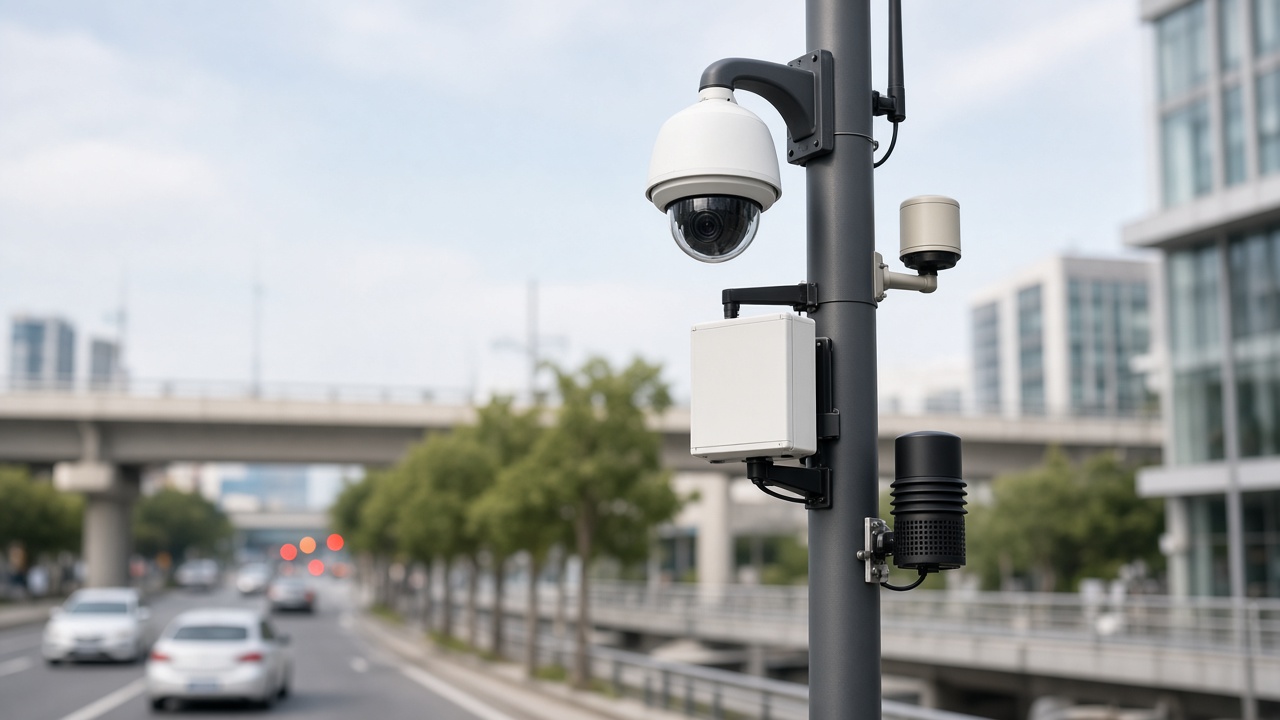
Architecture at a glance
Architecture is not a buzzword — it is the plan for how video becomes decisions at scale. A good architecture stays understandable to supervisors while remaining robust for engineers. It also anticipates growth: more cameras, more sites, more analytics packs, stricter access control.
What is AI video analytics architecture?
Architecture is the system design: how cameras, AI, storage, dashboards, alerts, and other business systems connect. It is the skeleton of the whole setup. When architecture is weak, you get fragile demos that fail at 200 cameras. When architecture is strong, you can add a site without redesigning everything.
Architects balance latency, cost, bandwidth, model accuracy, operator UX, and compliance. There is rarely one perfect diagram — there is a diagram that fits your constraints.
Main layers (keep it simple)
Explain layers to non-engineers with a story: cameras see; the network carries; AI thinks; the event engine shouts; storage remembers; dashboards show; integrations act in other systems.
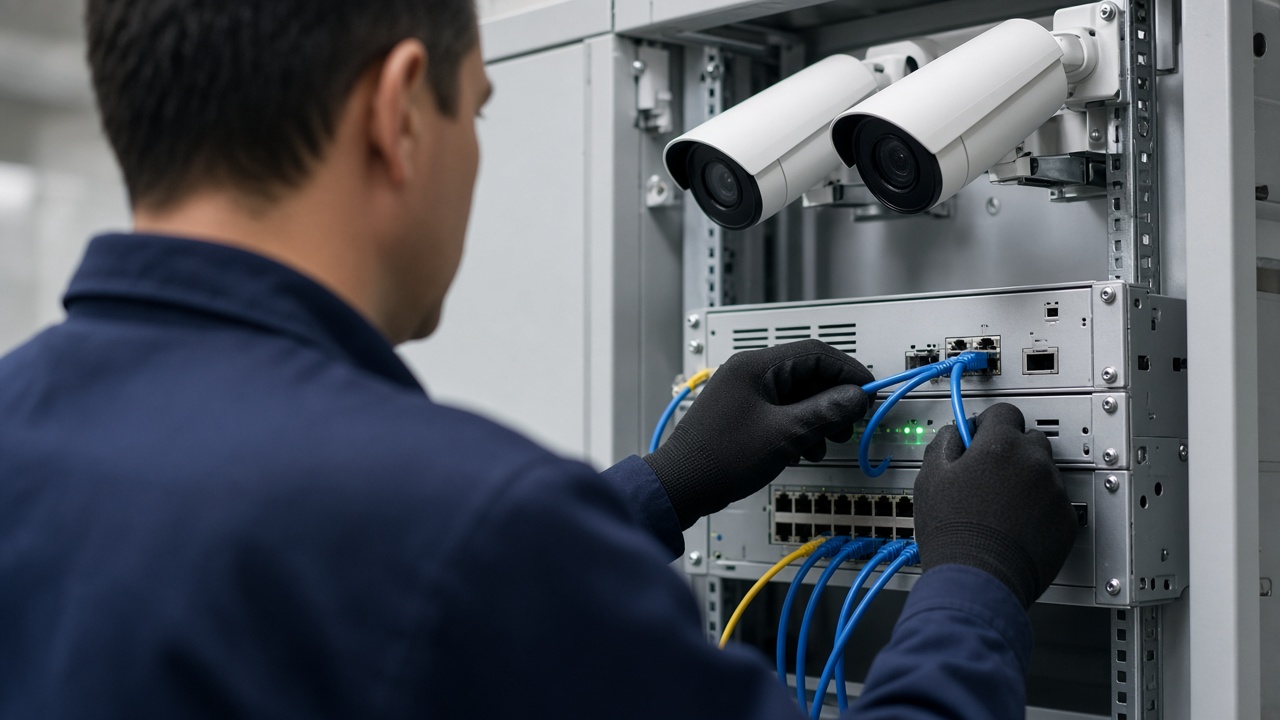
Deployment models: edge, server, cloud, hybrid
- Edge: AI near the camera or in a site appliance. Fast alerts, lower WAN use, good for plants and remote sites. Needs fleet management for updates.
- On-premise server: Central GPUs in your data center or server room. Strong control over data. Needs power, cooling, and IT ownership.
- Cloud: Elastic processing and easy multi-site aggregation. Watch bandwidth, cost, and residency. Useful for distributed retail when uplinks are solid.
- Hybrid: Local inference for urgent events; central or cloud for search, reporting, and training pipelines. Often the pragmatic Indian enterprise pattern.

Scalability without chaos
Scale has three axes: cameras per site, number of sites, and number of analytics packs. Architect for stream health monitoring so broken cameras do not silently waste GPU. Use site-level edge nodes when WAN is thin. Keep configuration as code or templates so onboarding site #50 does not mean reinventing zones by hand.
Operational scale matters too: who acknowledges alerts at 2 am? Multi-site needs role hierarchies, escalation policies, and noise control. A system that detects everything but drowns operators has not scaled — it has amplified.
Security and DPDP-minded practice
Video systems are high-value targets. Harden default passwords, segment camera VLANs, encrypt sensitive links where appropriate, patch appliances, and maintain audit logs for exports and permission changes. Least privilege should be normal: guards, supervisors, and admins see different things.
Where personal data is processed in India, align with the spirit and requirements of the Digital Personal Data Protection (DPDP) Act: purpose limitation, minimization, access control, retention limits, and vendor accountability. Architecture choices (on-prem vs cloud region, face blurring options, retention jobs) are compliance features, not afterthoughts.
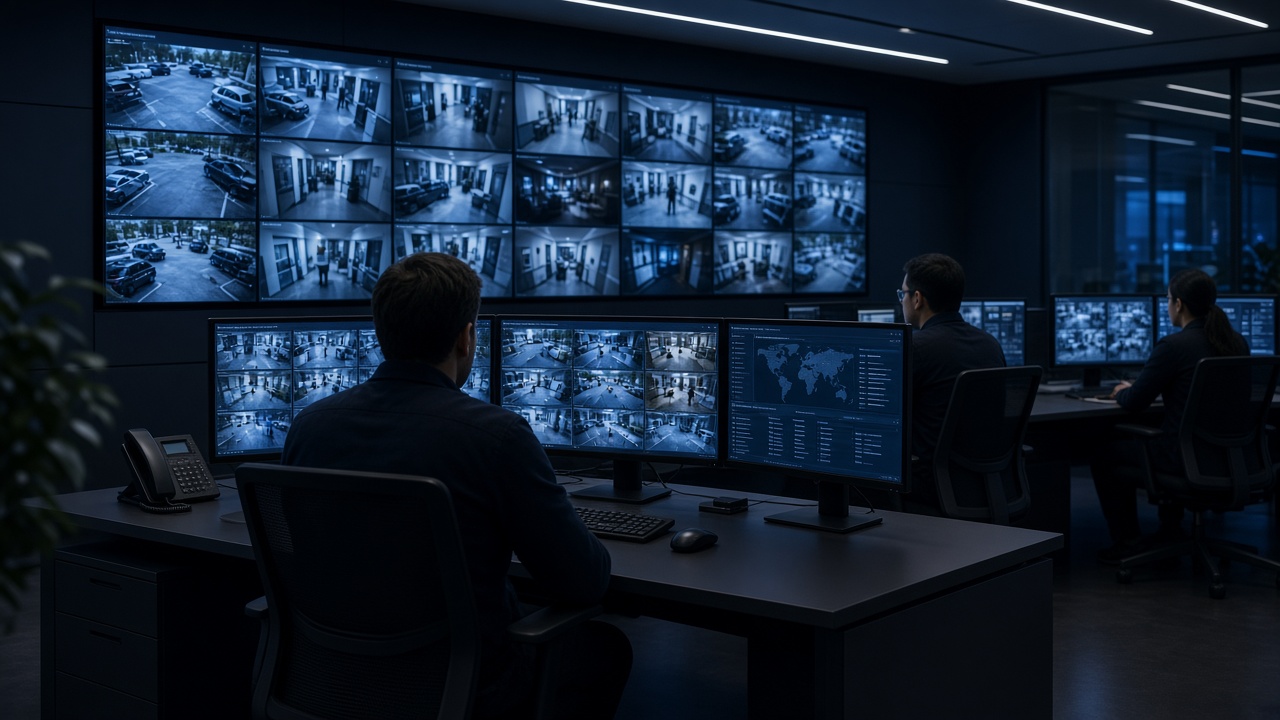
Platform, solution, technology, product suite
These words get mixed in brochures. Separate them so buying committees stay aligned.
- Technology is the science and tooling: deep learning, computer vision, tracking algorithms, GPU inference, etc.
- Platform is the central control brain — multi-site management, users, device health, shared event bus, and extensibility.
- Solution is the full package for an outcome: hardware + software + AI packs + dashboards + services for a problem like perimeter security or PPE compliance.
- Product suite is a family of modules covering adjacent outcomes (security, safety, operations, compliance) that share the platform.
Simple deployment steps
Architecture becomes real through a sequenced rollout. Rushing to “turn on all analytics” creates alert storms.
Assess cameras for coverage and image quality. Plan network for sustained streams and management access. Configure AI starting with one pack. Set dashboards that match shift workflows. Tune alerts using a checker mindset from Cluster 9. Confirm privacy/compliance including DPDP-relevant controls where personal data appears. Train people — architecture fails if humans ignore the UI. Expand with templates once one site is calm and useful.
Ecosystem pieces around the core
Around the core analytics engine you will find VMS platforms, access control, ticketing, IoT sensors, traffic e-challan systems, ERP/WMS hooks, and mobile guard apps. Good architecture treats these as first-class interfaces with documented APIs and failure modes. Avoid brittle UI-only “integrations” that break on password changes.
Architecture anti-patterns
Single giant server with no health checks. Every camera on maximum analytics packs on day one. No staging environment for model updates. Shared admin passwords. Infinite retention “just in case.” Cloud-only designs for sites with fragile uplinks and no offline alert path. Avoid these and your architecture will age more gracefully.
A reference hybrid architecture (narrative)
Imagine a manufacturing group with five plants. Each plant has an edge appliance that runs PPE and perimeter packs locally. Alerts appear on plant guard apps within seconds. Nightly, anonymized event metadata and selected clips sync to a central platform for group EHS dashboards. Training jobs for new PPE variants run centrally, then models are pushed to edge nodes after staging tests. Cameras remain on plant VLANs; the WAN carries events more than continuous 4K video.
That story encodes many good decisions: local latency, limited WAN load, central insight, staged model rollout, and network segmentation. Your diagram may differ, but the tradeoffs rhyme.
Capacity planning basics
Estimate concurrent streams, resolution, and analytics packs per stream. Not every camera needs every pack. A gate camera may need ANPR; a warehouse aisle may need people/vehicle interaction; a lobby may need counting only. GPU/CPU plans follow from that matrix. Over-provisioning silently is expensive; under-provisioning creates dropped frames that look like “AI failures.”
Include headroom for health probes, recording, and burst events (shift changes, truck rushes). Monitor inference queue depth. If queues grow, you are past capacity.
Observability for video AI systems
Beyond camera online/offline, watch stream FPS, decode errors, inference latency, alert acknowledgment times, and disk retention jobs. Tie alerts about the platform itself into IT monitoring. A silent analytics outage is worse than a noisy one — people assume coverage that does not exist.
Run periodic “synthetic events” where safe (for example, a scheduled walk through a test zone) to confirm the chain still works end to end.
Governance board for ongoing change
Create a lightweight board — security, IT, ops, legal/privacy — that approves new analytics packs, retention changes, and major model upgrades. Architecture without governance drifts into shadow AI cameras and unmanaged cloud uploads. Meeting monthly is enough for most enterprises; weekly during initial rollout.
Document decisions. Future you will need to explain why face analytics was rejected or why cloud residency was constrained to India regions.
Closing the 10-cluster arc
Clusters 1–5 built foundations, types, software, cameras/apps, and AI surveillance concepts. Clusters 6–9 covered learning, YouTube vs CCTV analytics, India companies, and camera/checker practice. Cluster 10 ties them into a deployable architecture and ecosystem vocabulary. Use this page when writing proposals, reviewing vendor diagrams, or training new solution engineers — so everyone means the same thing by “platform,” “hybrid,” and “done.”
Event schemas and API contracts
Architecture quality shows up in event payloads. A useful event includes camera ID, site ID, timestamp (with timezone), event type, confidence, zone ID, snapshot URI, clip URI, and a unique event ID for deduplication. Downstream ticketing and ITMS systems depend on stable schemas. Changing field names casually breaks partners.
Version your APIs. Provide sandbox endpoints. Document retry behavior. When the analytics engine restarts, it should not replay a storm of duplicate alerts without IDs. These details separate demo architectures from enterprise ones.
Backup, DR, and update strategy
Decide what must survive a site outage: local alerting, central search, or both. Edge-first designs keep plant alerts alive when WAN dies. Central-first designs need clear degraded modes. Back up configurations (zones, users, thresholds) as carefully as video. A restored server without zone maps is not restored.
Model updates deserve canaries: one site first, then the fleet. Keep previous model versions roll-backable. Schedule updates outside critical shifts when possible. Architecture includes change management, not only boxes and arrows.
Cost levers inside architecture
Cost follows bitrate, retention days, GPU hours, and cloud egress. Architects can save money without killing value: use substreams for AI when object size allows, retain full-res video shorter than metadata, run heavy search centrally on schedules, and avoid enabling unused packs. Show finance a cost model tied to camera classes (critical vs standard) so every camera is not priced like a flagship analytic.
Revisit cost quarterly as sites grow. Architecture that was cheap at fifty cameras can surprise you at five hundred without tiering.
Architecture KPIs after go-live
Track platform uptime, percent of cameras healthy, median alert latency, acknowledgment SLA adherence, false-alarm trend, storage forecast versus retention policy, and patch compliance on appliances. Review monthly with the governance board. Architecture that is never measured decays into folklore.
Tie at least one business KPI to the system — PPE compliance rate, perimeter incidents caught, gate throughput — so finance sees value beyond IT metrics. When budgets tighten, systems with business KPIs survive.
Publish a one-page ops scorecard. Transparency builds trust across plants and keeps local teams from inventing shadow spreadsheets that contradict the platform.
Migrating from recording-only to analytic architecture
Most Indian estates start with NVRs and passive viewing. Migration works best in waves: fix camera health, add analytics on a pilot group, integrate alerts into existing SOC habits, then expand packs and sites. Do not rip out a working VMS on day one unless you must. Architecture should respect sunk infrastructure while adding an intelligence layer. Measure operator acceptance at each wave before funding the next.
Document the as-is and to-be diagrams honestly. Executives fund clear migrations faster than vague “AI transformation” decks.
Summary
- AI video analytics architecture layers capture, ingest, AI, events, storage, experience, and integrations.
- Choose edge, server, cloud, or hybrid based on latency, bandwidth, control, and compliance.
- Scale with health monitoring, templates, and operator design — not only more GPUs.
- Treat security and DPDP-minded data handling as part of the blueprint.
- Use precise language for platform, solution, technology, and product suite so teams buy what they need.
- Deploy in steps, train people, then expand.
- That closes the ten-cluster journey from foundations to a full ecosystem view.