
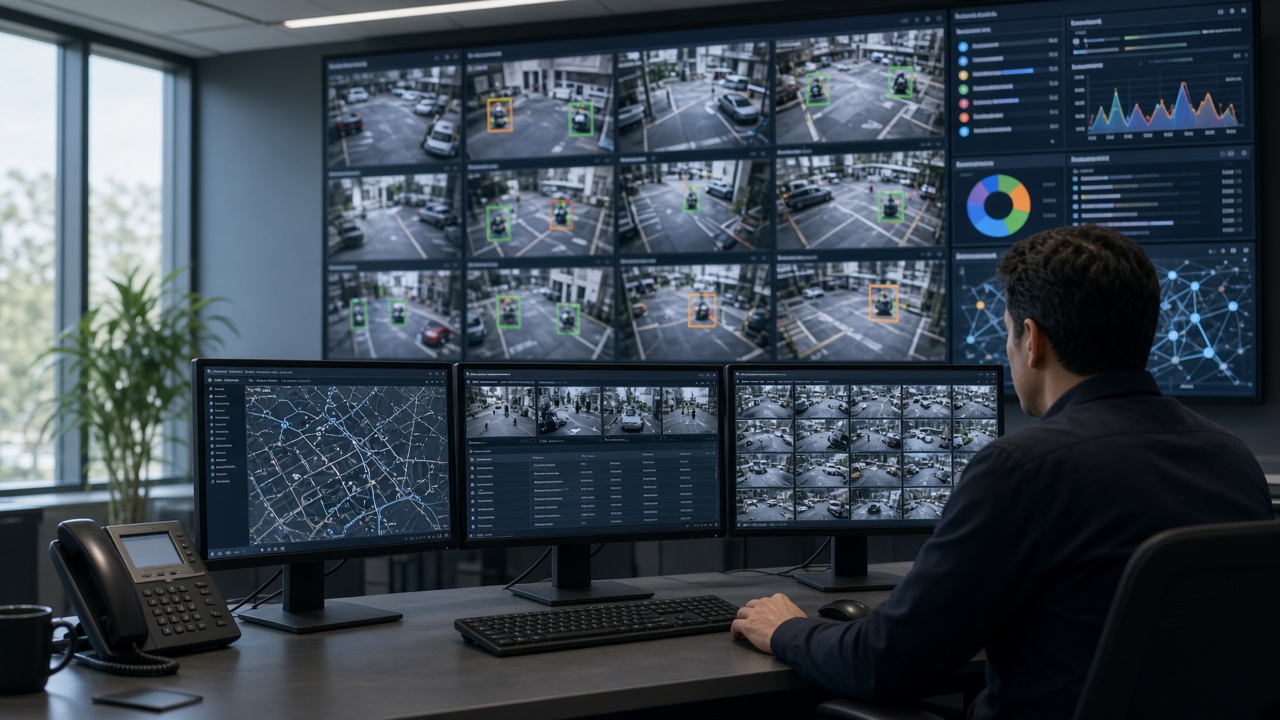
This is Cluster 3 — CCTV Video Analytics Software & Tools. This detailed guide explains what CCTV video analytics software is, how AI analytics software differs from simple tools, what a video analytics server does, how to choose what to use, what “free” options realistically cover, and which features matter across industries.
What is CCTV video analytics software?
CCTV video analytics software is the application (or platform) that receives video from cameras or a video management system, runs detection and rules, and presents results to people and other systems. It may be installed on a local server, run on edge appliances near cameras, or be delivered as a hybrid/cloud service.
Unlike a pure NVR that mainly records and plays back, analytics software’s job is interpretation: “a person entered Zone A after 22:00,” “helmet missing on Camera 12,” “queue length exceeds four people.” Those interpretations become events with evidence.
CCTV AI analytics software
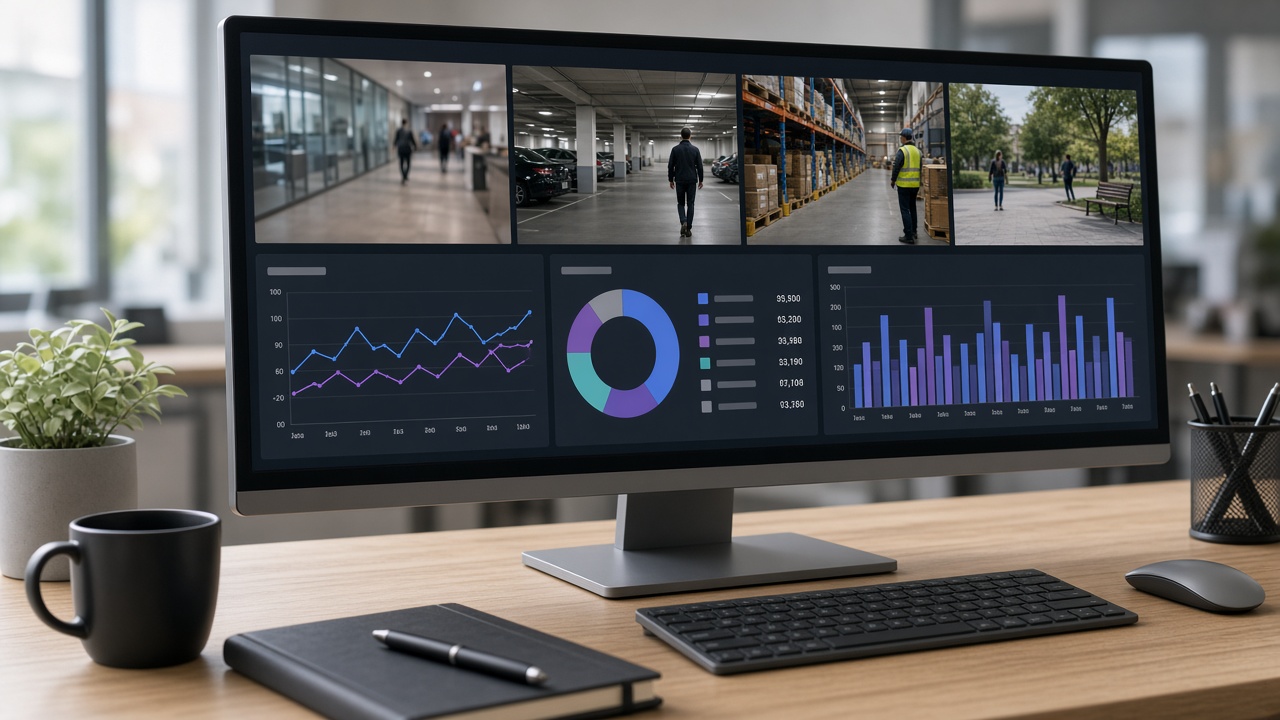
“CCTV AI analytics software” emphasises machine-learning models rather than only pixel motion rules. AI software can distinguish a person from foliage, classify vehicles, read plates, and check PPE with far fewer false alarms than classic motion alone — when cameras and scenes are suitable.
Expect model packs (people, vehicles, PPE, ANPR), confidence thresholds, zone editors, and often GPU requirements. AI software still needs configuration: drawing zones, setting schedules, and reviewing sample events during a pilot.
Video analytics software (platform view)
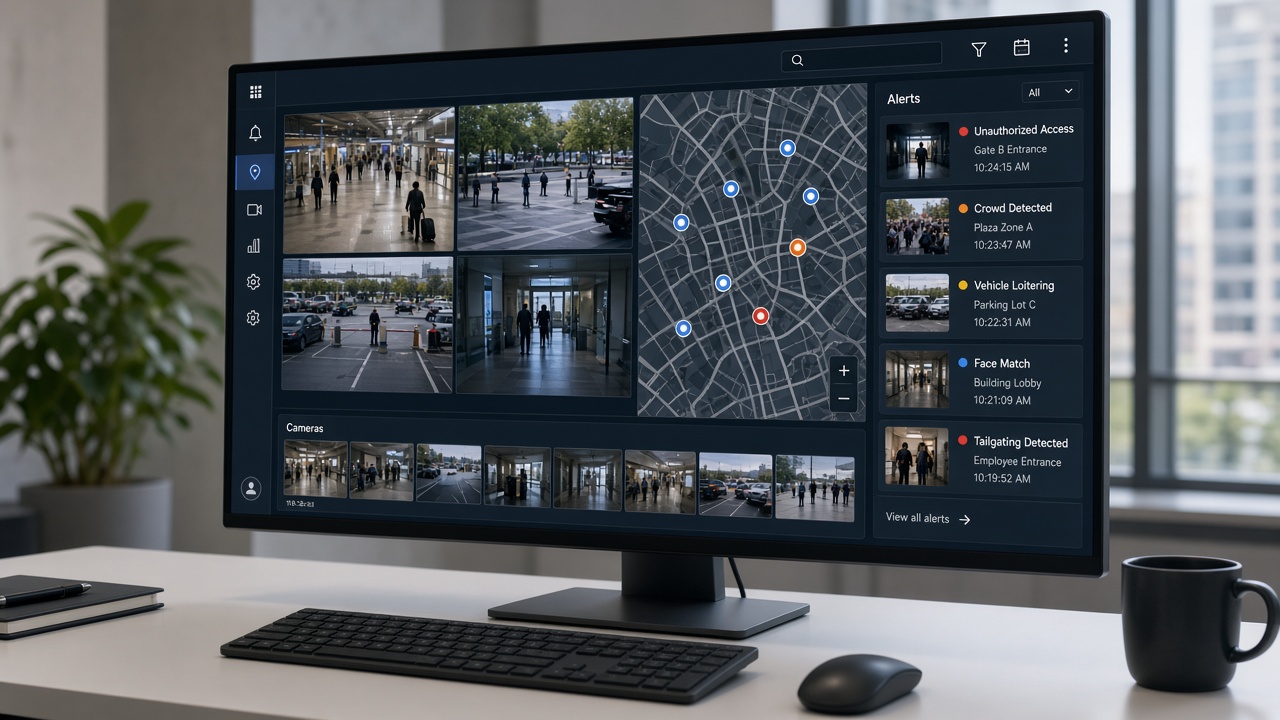
At platform scale, video analytics software manages many cameras, sites, users, and modules. Multi-tenant or multi-site deployments need role-based access, audit logs, health monitoring (which cameras are offline), and consistent event schemas so a central SOC can work across locations.
Enterprises often ask whether analytics is a plug-in inside their existing VMS or a separate intelligence platform that connects to cameras and optionally to the VMS. Both patterns exist; the right choice depends on camera count, IT standards, and whether you need specialised modules the VMS lacks.
Video analytics tools (pick by job)
“Tools” is a looser word. It can mean:
- Full platforms — end-to-end analytics for production sites.
- Module tools — ANPR-only, PPE-only, or footfall-only packages.
- Developer/SDK tools — for teams building custom detectors.
- Forensic tools — analyse recorded video after an incident rather than live.
- Health & calibration tools — check camera focus, overlap, and stream health.
Pick by job: live protection needs always-on platforms; investigation teams may also want strong forensic search; R&D teams may start with SDKs. Most organisations should not begin with SDKs unless they have ML engineering capacity.
What is a video analytics server?
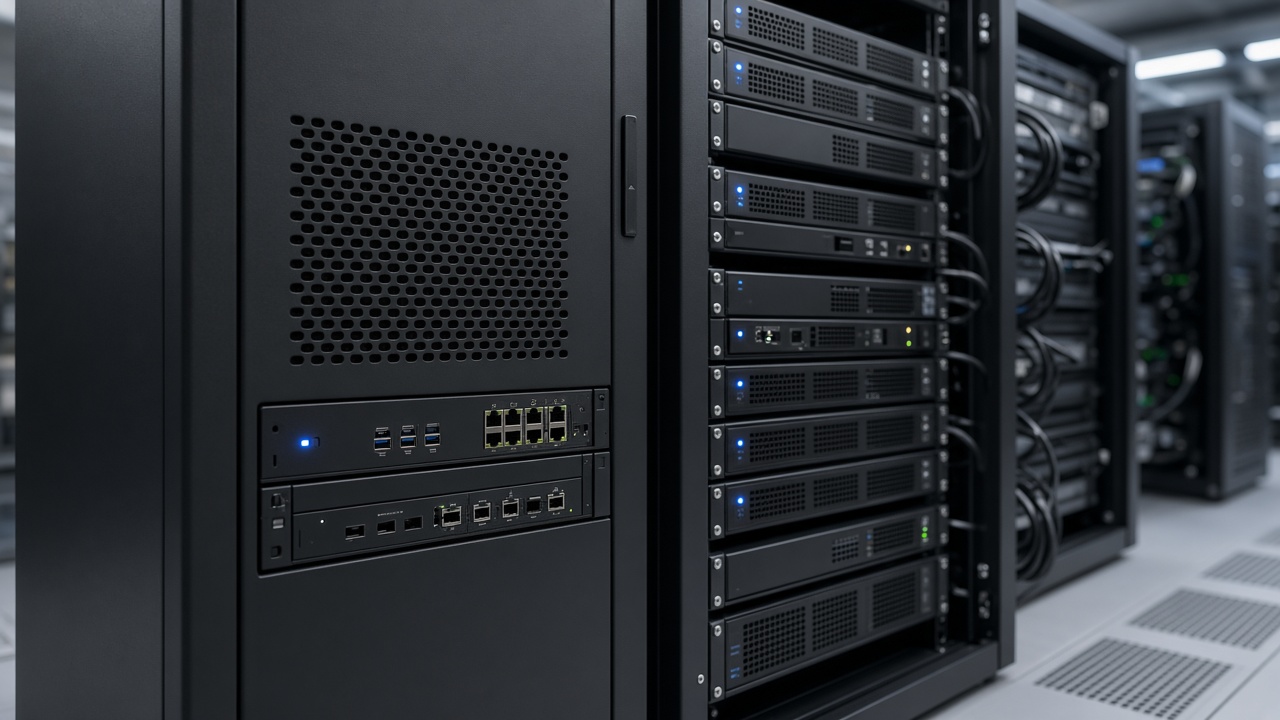
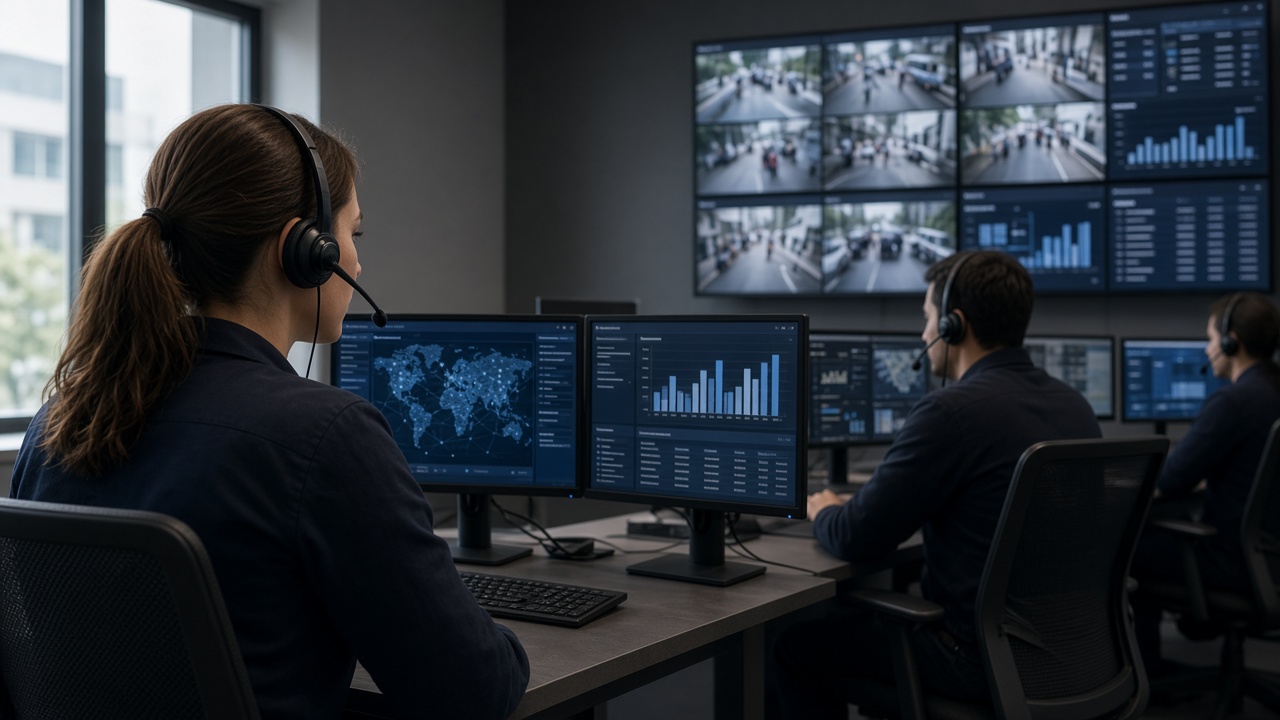
A video analytics server is the computer (often GPU-equipped) that runs analytics software for many camera streams. It pulls or receives video, executes models, writes events to a database, and serves the web or desktop console.
Sizing depends on camera count, resolution, frame rate analysed, number of models per camera, and whether processing is continuous or on motion. Edge appliances are mini-servers placed near camera clusters to cut bandwidth. Some designs mix edge for urgent alerts and central servers for heavy search and reporting.
What software can analyse CCTV footage?
Almost any serious analytics platform can analyse both live and recorded footage, but products differ:
- Live-first platforms optimise for continuous monitoring and alerting.
- Forensic tools excel at searching archives after an incident.
- VMS-native analytics are convenient if you already standardised on that VMS.
- Specialist engines (ANPR, PPE) may outperform generalists on that one job.
When asking “what software should we use?”, answer with constraints: camera brands, on-prem vs cloud policy, languages for operators, integration needs (access control, ticketing), and the top three event types you must catch in month one.
Free CCTV analysis software — realistic view
Free options exist, but “free” usually means one of:
- Open-source computer vision libraries (you build and maintain the product).
- Trial editions or limited camera counts.
- Basic motion tools bundled with consumer NVRs.
- Academic or research packages not designed for 24×7 SOC use.
For production security or industrial safety, total cost includes servers, cameras, networking, installation, training, and ongoing tuning. Free engines rarely include the support, auditability, and Indian field conditions hardening that enterprises need. Treat free tools as learning sandboxes or proofs of concept, then budget for a supported platform if uptime and accountability matter.
AI security camera software
AI security camera software may run on smart cameras (edge AI cameras), on NVRs, or on separate servers analysing ordinary IP cameras. Functionally it overlaps with CCTV AI analytics software; marketing names differ.
On-camera software reduces network load for that device but can be harder to standardise across mixed brands. Server software standardises models across heterogeneous cameras — often preferred in brownfield Indian sites with mixed OEM estates.
Key features to evaluate
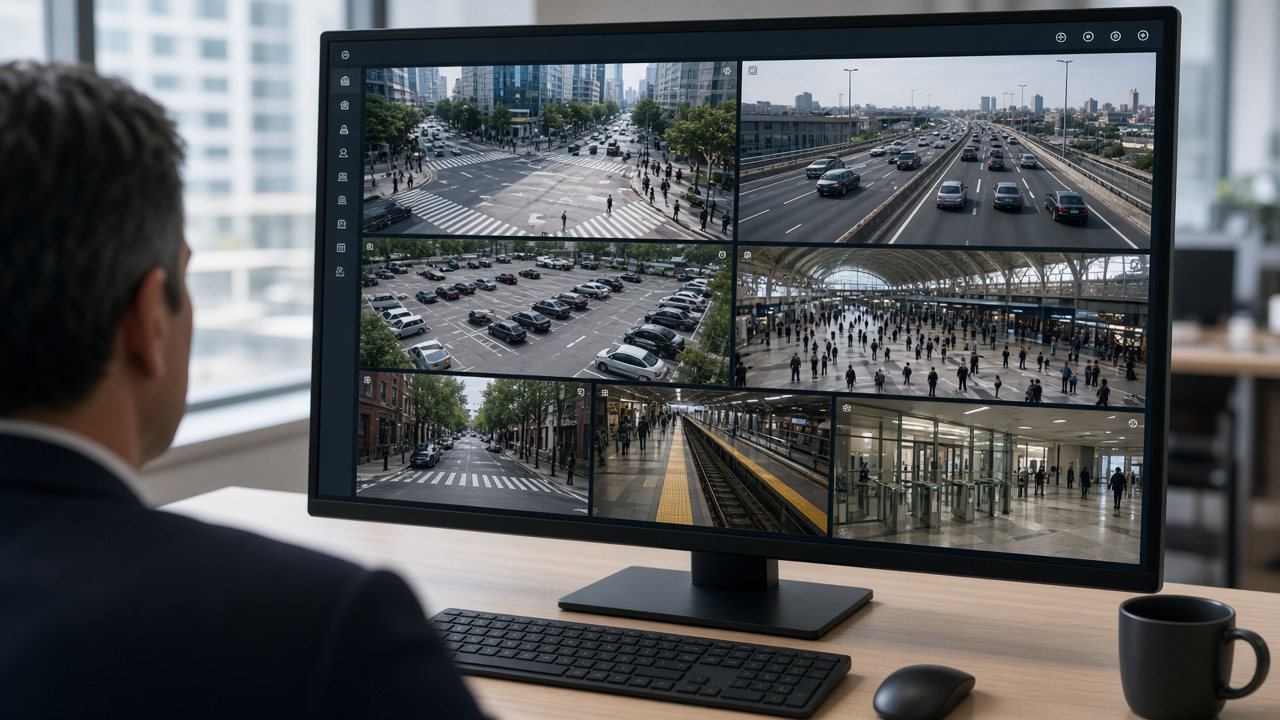
When scoring software, look beyond logo slides:
- Detection accuracy on your sample videos (day/night, rain, glare).
- False-alarm controls: zones, schedules, minimum object size, cooldown.
- Evidence quality: snapshot + clip length, watermarking, export.
- User roles, multi-site hierarchy, and audit trails.
- Health monitoring for cameras and analytics services.
- API / webhook / MQTT integration options.
- Language and UI clarity for local operators.
- Update and model-management process.
Industries and software fit
Manufacturing prioritises PPE and zone modules with harsh lighting tolerance. Retail wants footfall and queue tools with privacy-aware counting. Traffic projects need ANPR accuracy on Indian plates and evidence packaging. Campuses need multi-building user roles. Choose software that has reference deployments in your industry — not only generic demos.
Benefits of the right software
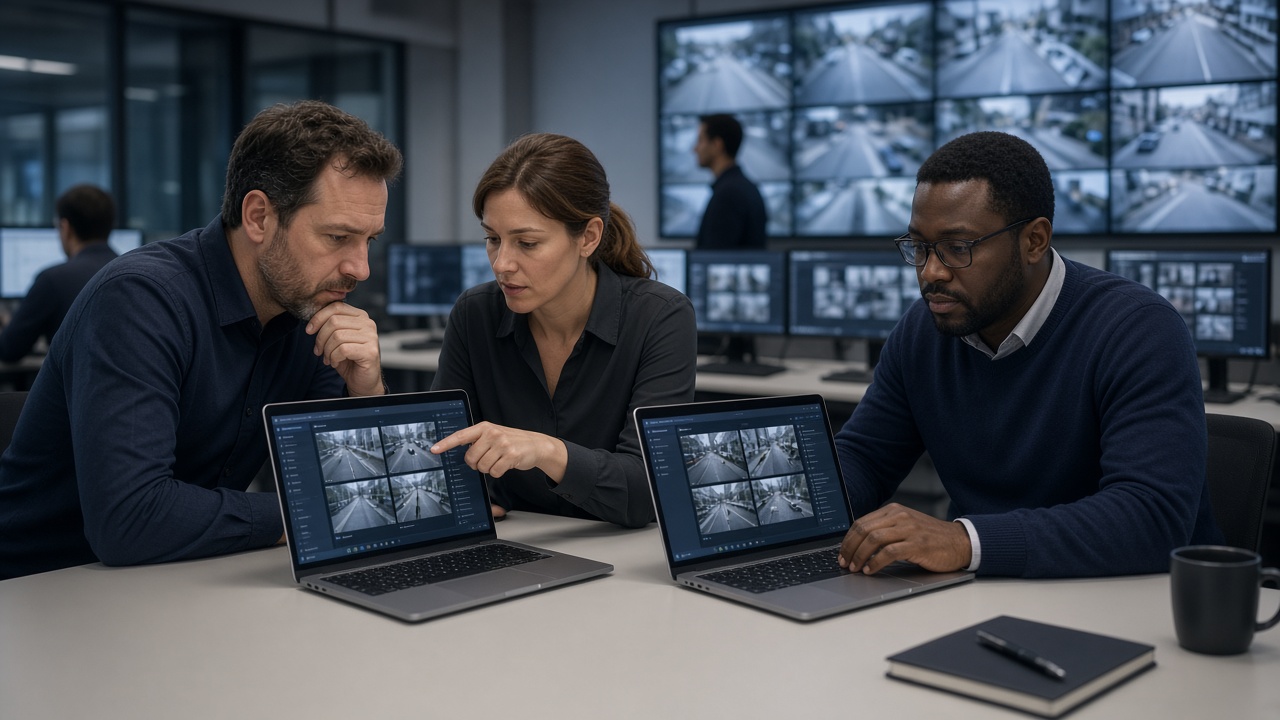
The right CCTV video analytics software reduces missed events, shortens investigation time, standardises monitoring across sites, and creates measurable safety or service KPIs. The wrong software creates alert fatigue and unused licences. Benefit realisation is a project, not a purchase order.
Architecture choices buyers actually face
When you shortlist CCTV video analytics software, you will hear three architecture stories. Understanding them prevents buying the wrong shape of system.
- VMS-centric. Analytics lives as modules or partners inside your existing video management system. Pros: one operator UI, familiar recording workflows. Cons: you may be limited to what that VMS ecosystem supports, and specialised modules (industrial PPE, city ANPR) may be weaker.
- Analytics-platform-centric. A dedicated intelligence platform connects to cameras (and optionally to the VMS). Pros: deeper analytics roadmap, multi-VMS sites, stronger event databases. Cons: operators may use two consoles unless you integrate carefully.
- Edge-appliance-centric. Small GPU boxes analyse camera clusters on site and forward events centrally. Pros: lower WAN bandwidth, local resilience. Cons: more devices to patch and monitor; need strong remote management.
A two-week software pilot script
Day 1–2: connect five to ten priority cameras; confirm stable streams; set NTP time sync. Day 3–4: configure only the top two event types; draw zones carefully; set night schedules. Day 5–7: operators work normally; log every alert as true, false, or unsure. Day 8–10: tune thresholds and zones using the log; disable noisy rules temporarily rather than ignoring them. Day 11–14: re-measure; write a one-page pilot report with counts, examples, and a go/no-go recommendation.
Refuse to accept a pilot that only shows a rehearsed demo video. Your lighting, your crowds, and your camera angles are the only fair test.
Total cost of ownership (plain language)
Software licences are only one line. Also budget for: GPU servers or edge appliances, network upgrades, installation and focusing time, operator training, annual support, spare capacity for new cameras, and periodic re-tuning after layout changes. A cheap licence with expensive false-alarm labour is not cheap.
Ask vendors to quote year-1 and year-3 costs separately. Include the cost of people time for acknowledgement and investigation — that is where many “savings” actually appear.
Securing the analytics software itself
Analytics platforms hold sensitive video and event history. Harden them: unique admin accounts, MFA where possible, network segmentation, encrypted streams when supported, patch discipline, and audit logs for exports. Do not place the analytics console on the open internet without a controlled remote-access design.
Also define retention for events separately from full video retention. Event databases can grow quickly if every low-value detection is stored forever.
Layman glossary for software & tools
Licence: commercial right to use software for a number of cameras or modules.
Inference: running an AI model on video to produce detections.
GPU: specialised compute that makes inference fast enough for many cameras.
API / webhook: ways for software to notify or exchange data with other systems.
ONVIF / RTSP: common ways cameras expose video to platforms.
Forensic search: finding events or objects in recorded video after the fact.
Health monitoring: alerts when cameras or analytics services stop working.
Integration patterns that make software useful
Analytics software creates more value when events leave the analytics console. Common patterns:
- Webhook to chat / ticketing: create a ticket or channel message for high-severity events.
- Access control correlation: door forced open + person detected in lobby becomes a higher severity incident.
- ANPR to parking / visitor systems: registered vehicles pass with less friction; unknowns alert.
- EHS dashboards: PPE events roll into weekly safety KPIs.
- City enforcement APIs: evidence packages hand off to authorised systems after human validation.
Start with one integration in phase 1. Many projects fail by wiring five integrations before operators trust the events.
Software operations runbook (minimum)
Even a small site needs a short runbook: how to add a camera, how to redraw a zone, how to mute a noisy rule temporarily, how to export evidence for an investigation, who approves new users, and what to do when GPU utilisation hits red. Without a runbook, knowledge lives in one engineer’s head until holiday leave breaks the system socially.
Include screenshots of the exact buttons operators use. Update the runbook whenever the UI or event dictionary changes.
How to run a vendor demo that teaches you something
Send three of your own clips in advance (day, night, rain if available). Ask the vendor to configure your top two event types live. Time how long configuration takes. Count false triggers on a five-minute soak. Ask who will perform the same tuning after handover. Request a written list of prerequisites (GPU model, bandwidth, ports, user roles).
If the demo only works on their laptop folder of perfect videos, you have learned about marketing — not about your site.
When not to buy more software yet
If cameras are offline half the week, fix infrastructure first. If nobody acknowledges existing NVR motion alarms, fix operating discipline first. If leadership cannot name the top two events, fix requirements first. Software amplifies clarity — it also amplifies confusion.
Data retention choices inside the software
Decide how long you keep full video, event clips, snapshots, and metadata tables. They do not need the same retention. Many teams keep short high-resolution video, medium-length event clips, and longer metadata for trend reports. Write the policy down and configure the software to match — default infinite retention fills disks and creates legal ambiguity.
Also decide who can export. Uncontrolled USB exports of evidence packages are a common weak point. Prefer audited export roles and watermarked downloads when the platform supports them.
If you operate across states or countries, confirm whether retention rules differ by jurisdiction and whether the software can apply site-level policies. One global default is convenient and often wrong.
Change management when software updates arrive
Model updates and UI upgrades can change detection behaviour overnight. Require a staging check: apply updates to a non-production or limited camera group first, compare alert volumes for 48–72 hours, then roll forward. Keep a rollback plan and a known-good configuration backup.
Communicate to operators before updates: “You may see different sensitivity on PPE for two days; label carefully.” Silence before an update is how rumours start that “the AI broke.”
Track version numbers of platform, models, and GPU drivers in your runbook. When something fails six months later, that version map saves days of guessing.
Skills your organisation needs beside the licence
Someone must own networking and time sync. Someone must own zone design and weekly tuning. Someone must own operator coaching. Someone must own vendor tickets. These can be part-time roles, but they must be named. Buying software without naming skills is how platforms become shelfware.
If you lack internal capacity, budget a managed service for the first six to twelve months with a clear exit: your team should be able to perform basic changes independently by the end of that period.
Interview managed-service proposals for teaching quality, not only for remote monitoring hours. The goal is organisational capability, not permanent dependency — unless you deliberately choose a fully outsourced SOC model.
Summary
- Treat software as a system: ingest, AI, events, people, and integrations.
- Start with a short must-detect list, pilot on real cameras, and size servers honestly.
- Free tools teach concepts; production sites need supported platforms.
- Cluster 4 continues with AI cameras and apps; Cluster 5 zooms out to full AI surveillance projects.