
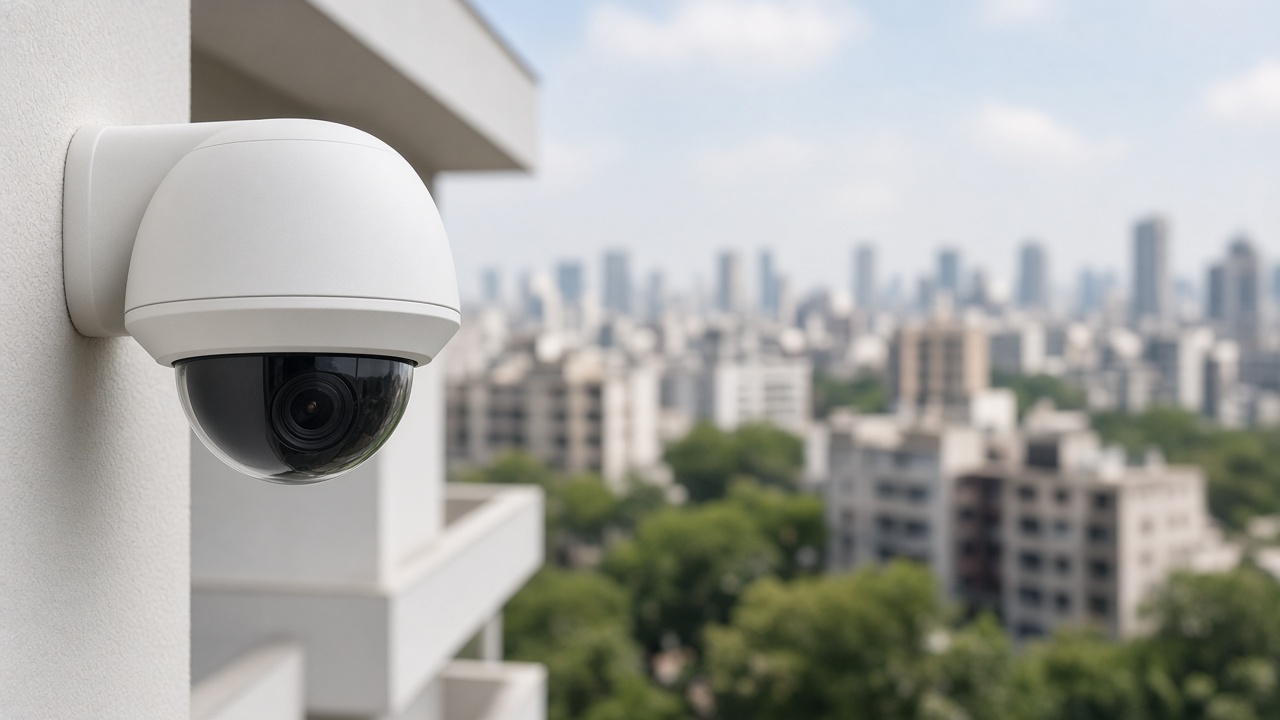
This is Cluster 4 — AI Security Cameras & Apps. This guide explains AI security camera software, what an AI camera actually is, how camera apps fit into monitoring, how AI-based CCTV is used in India, and — step by step — how AI is used inside CCTV cameras and in surveillance monitoring rooms.
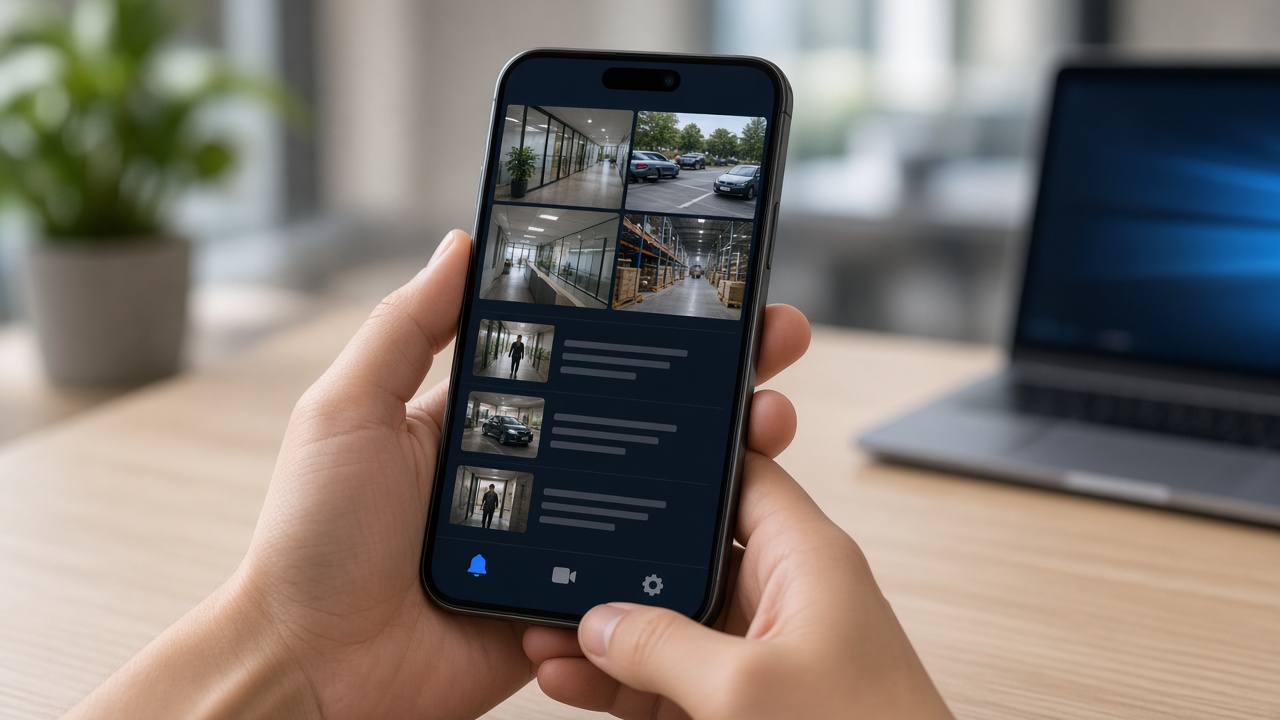
AI security video analytics camera software
AI security video analytics camera software is the program stack that makes a camera (or a group of cameras) detect security-relevant events. It may be firmware on a smart camera, an app on an NVR, or server software analysing streams from ordinary IP cameras.
Regardless of packaging, the software should: ingest video, detect people/vehicles/events, apply your rules, create evidence, and notify someone. Marketing may say “AI camera,” but you are really buying this software behaviour plus hardware that can run it reliably in heat, dust, and night conditions.
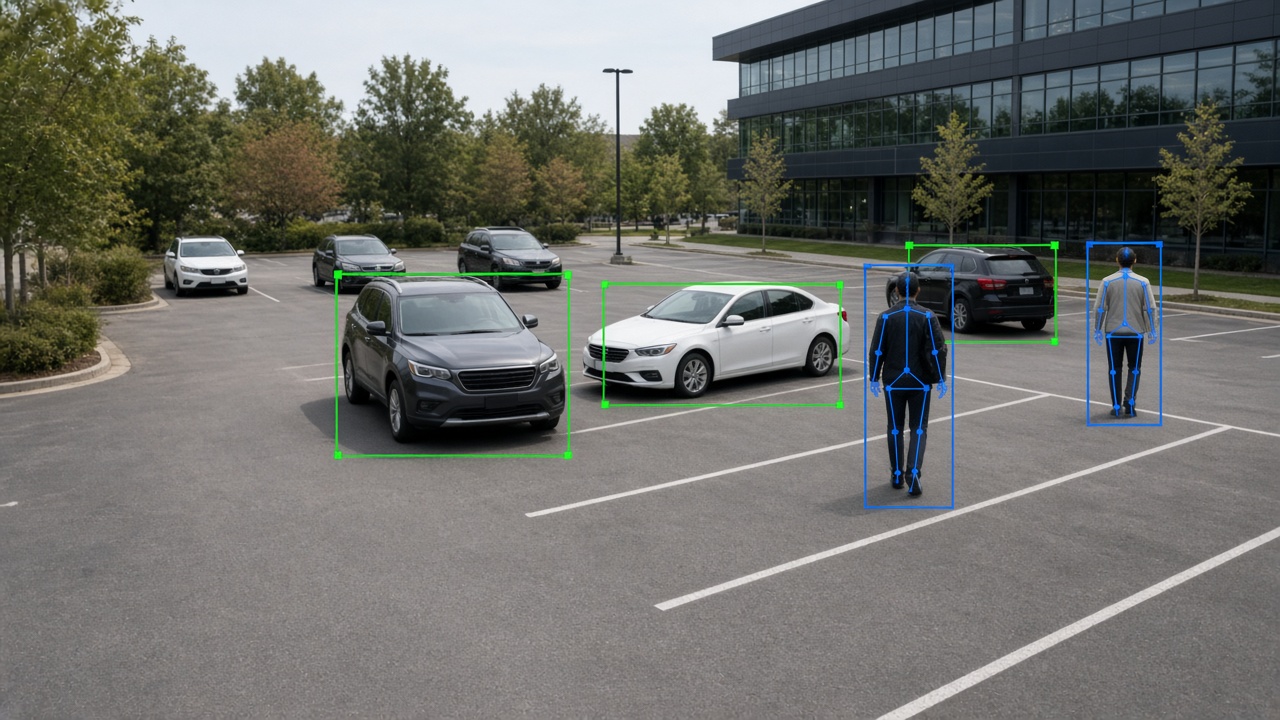
What is an AI security camera?
An AI security camera is a camera that can run (or tightly pair with) intelligence that understands scenes — not only compresses and streams video. Some units have onboard neural processing units (NPUs) and ship with person/vehicle detection, line crossing, and similar features. Others look like normal IP cameras but are designed to feed a central AI platform cleanly (good codecs, ONVIF, stable bitrate).
For buyers, the practical test is: does this camera reduce false alarms and surface useful events without a human staring at it? Resolution and lens still matter; AI does not replace proper mounting height, IR/light planning, and network design.
Enterprise sites often mix: a few high-value AI cameras at gates, plus many standard cameras analysed by a central server. That hybrid is common and cost-effective.
AI camera apps
An AI camera app is usually a mobile or web client that shows live views, event timelines, push notifications, and sometimes two-way talk or quick acknowledge buttons. For small sites, the app may be the primary interface. For large SOCs, the app is a companion while the desktop console remains primary.
Good apps emphasise signal over noise: severity filters, mute schedules, rich thumbnails, and deep links into the exact clip. Weak apps flood users with motion pings until notifications are disabled — defeating the purpose of AI.
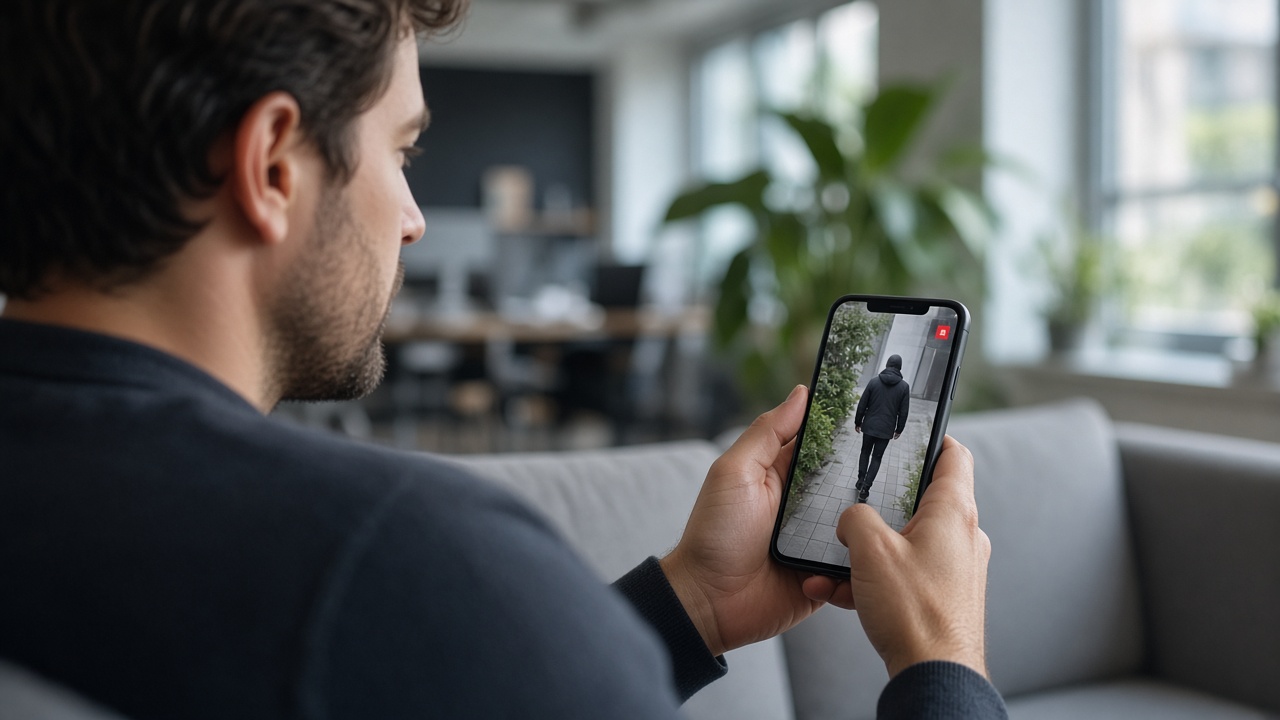
AI-based CCTV in India
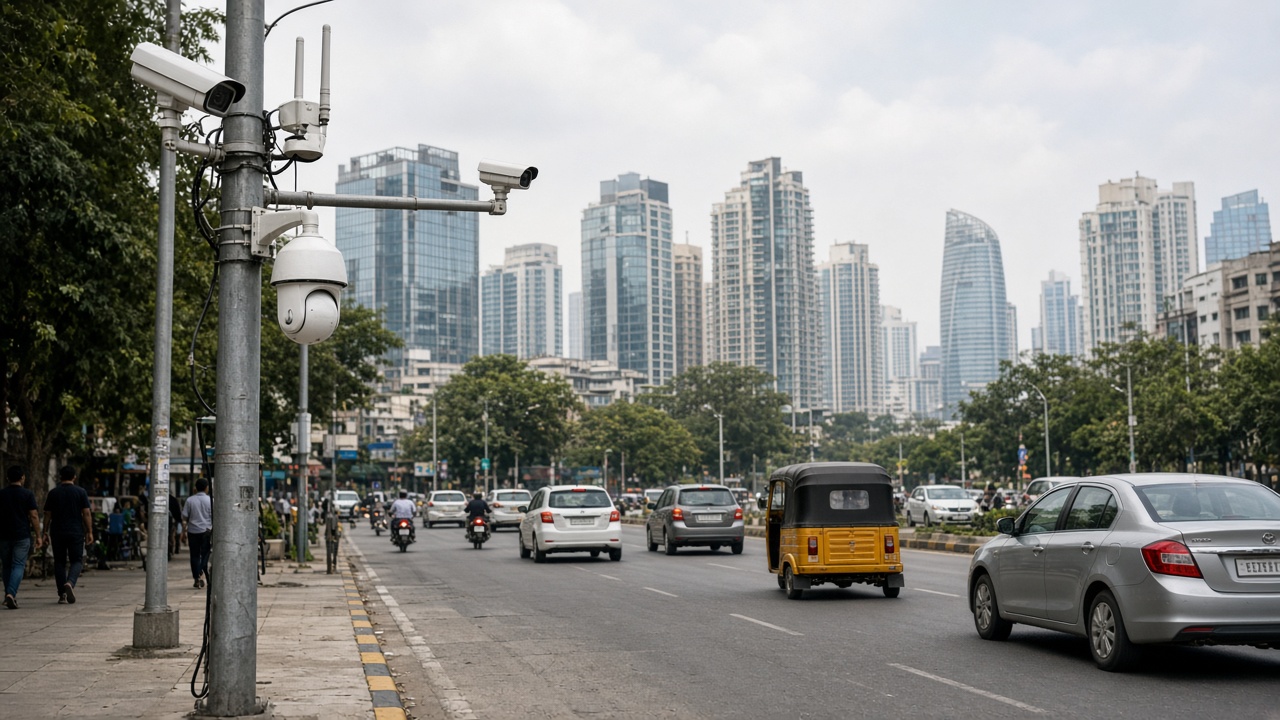
India’s adoption of AI-based CCTV spans smart cities and traffic projects, industrial safety (PPE), campuses, retail chains, logistics parks, and enterprise SOCs. Conditions that matter locally include mixed legacy camera brands, harsh outdoor lighting, monsoon weather, variable power quality, and the need for on-prem or India-hosted options for many organisations.
Traffic and city programmes often emphasise ANPR and junction monitoring. Factories emphasise PPE and perimeter. Retail emphasises footfall and after-hours security. The common thread is moving from passive recording to exception-based monitoring that works with available staffing.
How can AI be used in CCTV cameras?
AI enters CCTV cameras in several practical ways:
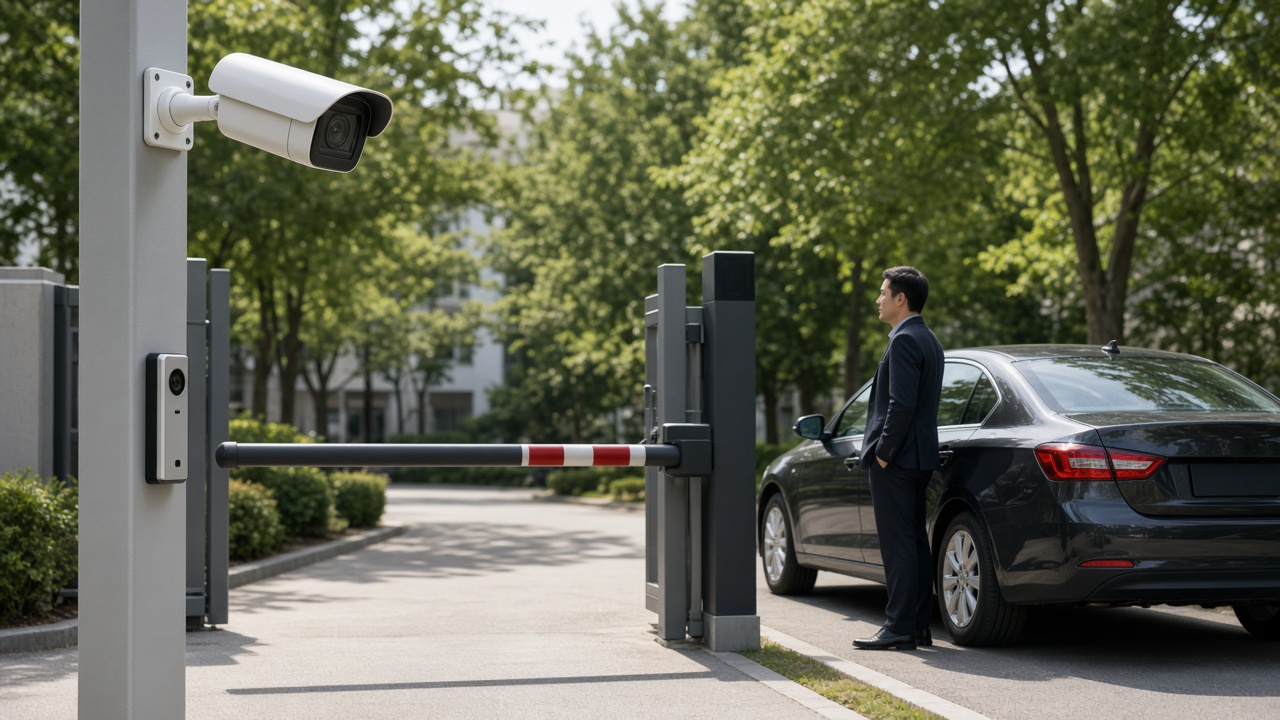
- Onboard detection. The camera flags person/vehicle/line-cross events and can send alarms with metadata.
- Smart encoding / bandwidth. Some systems stream full video only when events occur, saving network and storage.
- Auto-tracking PTZ cues. Analytics on a fixed camera can cue a PTZ to follow a subject (site-dependent).
- Quality & tamper checks. AI or analytics detects blur, cover, or scene change.
- Feeding central AI. Even “non-AI” cameras become AI CCTV when a server analyses their streams.
The best use of AI in cameras is the use that matches your risk: a gate needs reliable person/vehicle events; a warehouse aisle may need PPE; a cash office may need loitering rules. Start with one camera family of use cases and expand.
How is AI used in surveillance monitoring?
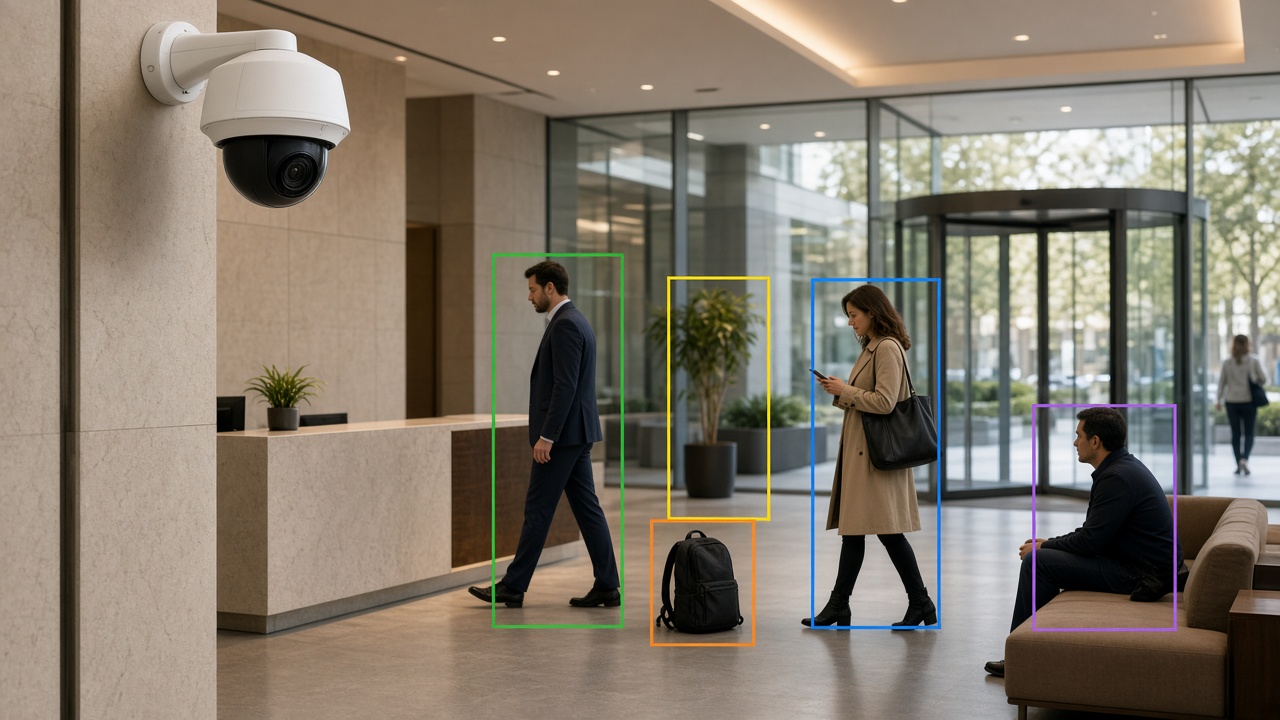
In a monitoring room (SOC), AI changes the operator’s job from continuous watching to exception handling:
- Walls of video still exist for context, but attention follows the alert queue.
- Operators verify AI events, escalate genuine incidents, and dismiss false ones (feedback that can improve tuning).
- Supervisors review metrics: alerts per hour, response time, true-positive rate.
- Multi-site organisations centralise monitoring so one team covers many locations overnight.
AI does not remove the need for trained people. It multiplies their coverage. Poorly tuned AI creates burnout; well-tuned AI creates calm, focused shifts.
Buy new AI cameras or reuse existing CCTV?
This is the first hardware decision most organisations face. Reusing existing IP cameras with a central AI platform is often the fastest path when image quality is acceptable. Buying new AI cameras makes sense when you need onboard processing at remote sites with weak uplink, or when old cameras cannot deliver usable night images for the chosen analytics.
A practical approach: classify cameras into A (must analyse, upgrade if needed), B (analyse if quality OK), and C (record only for now). Spend hardware budget on A first. Many projects waste money replacing working cameras while leaving the worst-angled A cameras untouched.
App governance for busy supervisors
Mobile apps fail when every motion ping lands on a personal phone. Set governance rules before rollout:
- Only severity levels 1–2 wake phones at night.
- Site managers get filtered site alerts; SOC gets the full stream.
- Quiet hours and holiday calendars are configured deliberately.
- Acknowledgement is required so events do not vanish silently.
- Shared devices in guard rooms may be better than personal phones for some roles.
Review notification volume weekly for the first month. If people mute the app, the AI investment is already failing socially even if models are accurate.
India deployment checklist for AI CCTV
Confirm outdoor IP ratings and surge protection. Plan for monsoon humidity and dust on lenses — cleaning schedules are part of AI accuracy. Validate ANPR on local plate styles if vehicles matter. Decide hosting (on-prem / private cloud) early with IT security. Train operators in the language they actually use under stress. Keep spare cameras and PoE injectors for critical A-class views.
For multi-state enterprises, standardise event names and severities so a central SOC can understand alerts from any site without local slang.
Monitoring KPIs that keep AI honest
Track: alerts per camera per day, true-positive rate (from operator labels), median time to first acknowledgement, percentage of alerts acknowledged within SLA, cameras offline hours, and repeat false-alarm zones. Review weekly for the first quarter. Celebrate reductions in noise as much as detections of real incidents — both are signs of a healthy programme.
Layman glossary for cameras & apps
NPU / AI chip: hardware on some cameras that runs models locally.
Bitrate: how much network data the video stream uses.
PoE: power over ethernet — powering cameras through the network cable.
Push notification: a mobile alert that appears even if the app is closed.
PTZ: pan-tilt-zoom camera that can move to follow a scene.
Brownfield: a site with existing mixed cameras and recorders already installed.
Exception-based monitoring: operators work from alerts instead of continuous staring.
Edge AI cameras vs server-analysed cameras
Edge AI cameras process on the device and can send compact events even when uplink is limited. They shine at remote gates, temporary sites, and bandwidth-constrained branches. Limitations include uneven feature sets across brands and harder fleet-wide model standardisation.
Server-analysed cameras keep models consistent across a mixed estate and make multi-camera search easier. They need reliable network paths and sized GPUs. Many Indian enterprises land on a hybrid: edge at critical remote points, server analytics for campus cores.
Decision factors: uplink quality, number of camera brands, need for central search, IT’s ability to patch edge fleets, and whether offline local alerting is mandatory when WAN dies.
Installation quality that decides AI success
AI cannot rescue a camera pointed at sky, mounted too high for faces/PPE, or vibrating on a thin pole. Before enabling analytics, fix: aim, focus, IR reflection, cobwebs, dirty domes, and time sync. Create an installation checklist signed by the installer and the analytics owner together.
Night commissioning is mandatory for outdoor security cameras. Day-only acceptance is how projects discover failure at 1 a.m. after go-live.
Designing the monitoring room around AI
Furniture and screens still matter, but workflow matters more. Place the alert queue on the primary operator display. Keep a verify pane for clip playback. Keep a map or site list for multi-site context. Secondary video walls become situational awareness — not the only attention channel.
Staff the room for verification capacity at peak alert hours, not only for average hours. Train new operators on false-alarm etiquette: label, don’t ignore; escalate, don’t argue with the model in chat.
Consumer AI camera kits vs enterprise apps
Consumer kits are fine for a home or tiny shop. Enterprise needs role-based access, audit logs, multi-site hierarchy, evidence export controls, and support SLAs. If your organisation has compliance requirements or more than a handful of users, plan for enterprise camera software and apps from the start — migrating later is painful.
Also watch data residency: some consumer clouds store footage and events outside your preferred region. That may violate internal policy even if the app feels convenient.
Cyber hardening for AI cameras and apps
Change default passwords on day one. Disable unused services on cameras. Keep firmware inventories. Segment camera VLANs from office Wi-Fi. Prefer certificate-based or vault-managed credentials for app access. Review which users have live-view versus event-only rights.
Mobile apps should support remote wipe or at least forced logout for leavers. Shared guard-room tablets need auto-lock and named shift logins so evidence access is attributable.
Test restore of the analytics configuration backup quarterly. A ransomware or disk failure event that destroys only the AI configuration can still take weeks to rebuild zones from memory.
Night operations playbook for AI CCTV
Night is when many AI camera projects are judged. Create a night playbook: which alerts wake whom, how to verify with IR-limited images, when to dispatch versus watch, and how to hand over to day shift with open events. Include a torch/physical check procedure for ambiguous perimeter alerts.
Commission a monthly night drill: deliberately walk a safe test path in a perimeter zone and confirm the alert path works end to end. If the drill fails, fix it before a real incident does.
Document IR bloom and headlight glare cameras that routinely fail at night; either re-aim them or remove them from night AI schedules rather than training operators to ignore them.
Making apps usable for every shift
Large buttons, high-contrast event colours, and clear severity labels help tired night operators. Avoid tiny gesture-only controls. Provide a desktop fallback for complex investigations. Offer local language labels where your workforce needs them.
If contractors rotate weekly, use short QR-linked how-to cards instead of assuming tribal knowledge. Apps that only power users understand will not protect the site at 3 a.m. on a holiday week.
Field stories: what good and bad look like
A good AI camera rollout feels quiet. Operators receive a handful of meaningful alerts, verify quickly, and go back to other work. Supervisors trust the app enough to keep notifications on. A bad rollout feels loud. Phones buzz constantly, people mute everything, and leadership concludes that “AI does not work” when the real issue was unfiltered motion rules on windy outdoor cameras.
Another good sign: installers and analytics owners sign off together at night. Another bad sign: day-only acceptance with a promise to “tune later,” followed by six months of later never arriving. Use these stories in internal kickoffs so teams recognise patterns early.
When you visit reference sites, ask to see the alert queue for the last 24 hours — not only a prepared demo. The queue tells the truth about whether cameras, apps, and monitoring discipline are working as a system.
Carry these stories into vendor negotiations too. Ask what they do in the first two weeks when noise spikes. Partners who only celebrate detection demos and never talk about noise control are not ready for your night shift.
Summary
- An AI security camera is only as useful as the software events and the people who receive them.
- Apps should carry high-value alerts.
- In India, expect mixed estates and tough outdoor conditions — design for them.
- In monitoring rooms, AI enables exception-based surveillance at scale.
- Cluster 5 expands into AI video analytics and full surveillance projects.