

This is Cluster 5 — AI Video Analytics & Surveillance. This long-form guide ties the series together for project thinkers: what AI video analytics is, what “video analytics AI” means in practice, how surveillance projects are scoped, simple examples, the India context, software and camera-system choices, and how to turn knowledge into a workable system project.
What is AI video analytics?
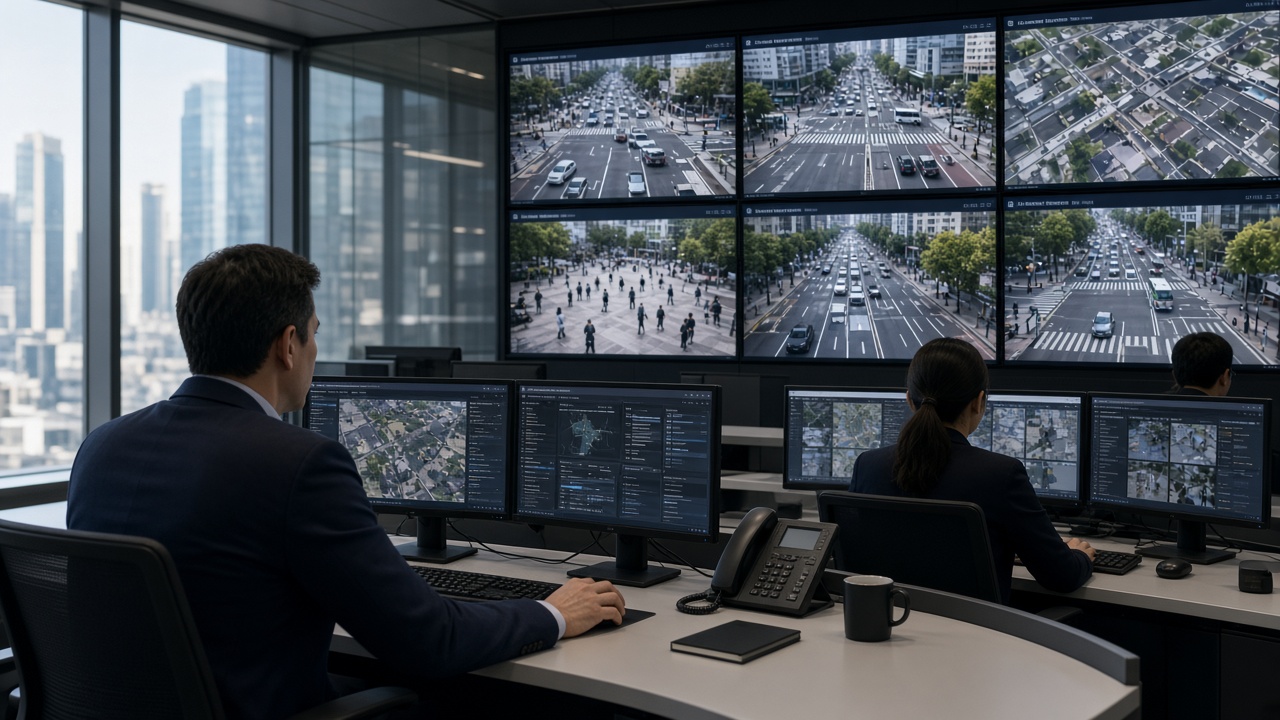
AI video analytics is the use of artificial intelligence — mainly computer vision models — to interpret video from cameras. It detects and tracks objects, applies business or security rules, and produces structured events humans and other systems can use.
Compared with classic motion analytics, AI video analytics aims for higher semantic understanding: “person without helmet in Zone B,” not merely “pixels changed in Zone B.” That understanding enables safer automation of attention across large camera estates.
What does “video analytics AI” mean?
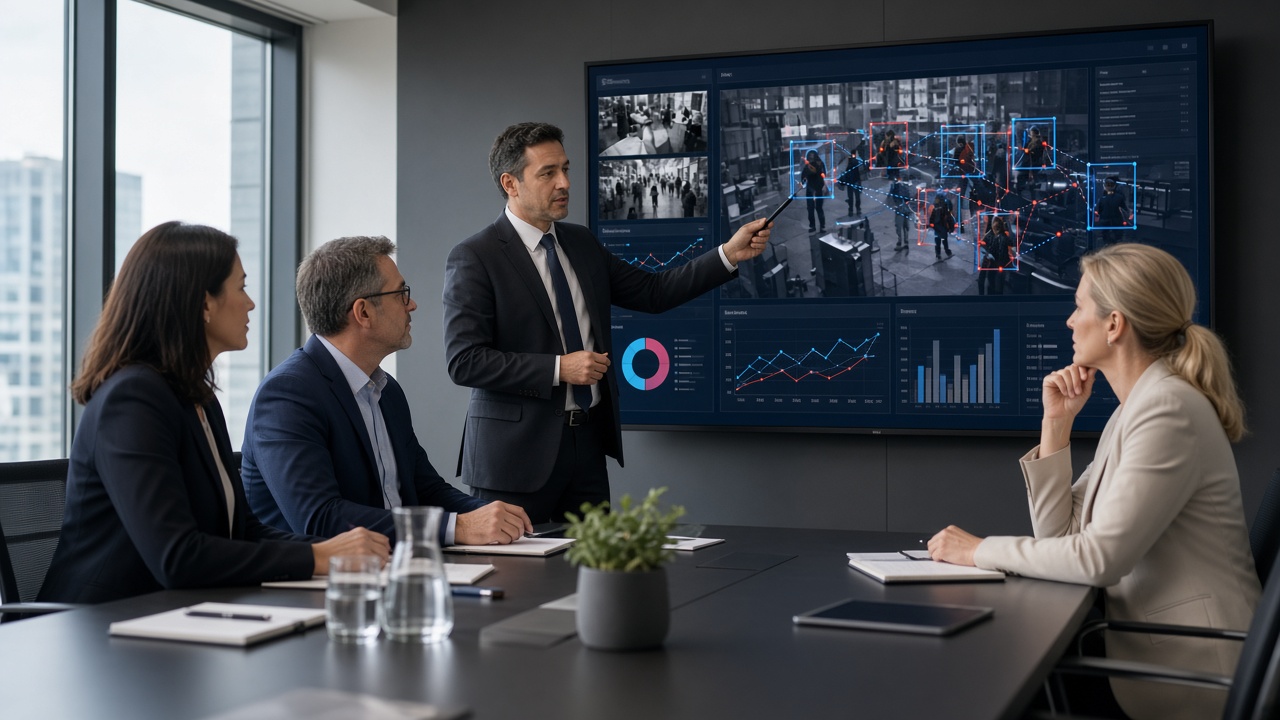
“Video analytics AI” is another phrasing of the same idea, often used in marketing and RFPs. It stresses that the analytics are powered by AI/ML rather than only fixed algorithms. In evaluation meetings, translate the phrase into concrete questions:
- Which models and event types are included?
- Where do models run (camera, edge, server, cloud)?
- How are accuracy and false alarms measured on our site videos?
- How are model updates delivered and validated?
- What human workflow closes the loop?
If those answers are vague, the label “AI” is decoration.
AI video surveillance projects
An AI video surveillance project is more than buying licences. Typical workstreams include: discovery of risks and camera inventory, network and power readiness, analytics platform design, pilot on priority cameras, operator training, SOP writing, integration (access control, ticketing, e-challan, BMS), and a measured rollout.
Sponsors should define success metrics early: reduction in missed perimeter events, median alert response time, PPE compliance trend, or ANPR read rate at a gate. Without metrics, projects drift into feature shopping.
PDF explainers and knowledge packs
Many buyers ask for PDF explainers — one-pagers or short decks that summarise AI video analytics for management. Useful PDFs cover: problem statement, architecture diagram, sample event screenshots, privacy notes, and a pilot plan. They are communication tools, not substitutes for a live pilot on your cameras.
When you create or request a PDF, keep it honest about limits (lighting, false alarms, staffing). Over-promised PDFs create failed projects later.
Simple AI surveillance examples
Examples that executives understand quickly:
- Factory: missing helmet alert to shift supervisor within seconds.
- Warehouse: after-hours person on fence line to security phone.
- Mall: queue length alert to floor manager app.
- City junction: plate read + violation evidence package for review.
- Hospital: overcrowding cue near emergency entrance.
- Campus: unknown vehicle at gate via ANPR watchlist.
Each example has the same pattern: camera view → AI event → human decision → recorded outcome.
AI surveillance in India
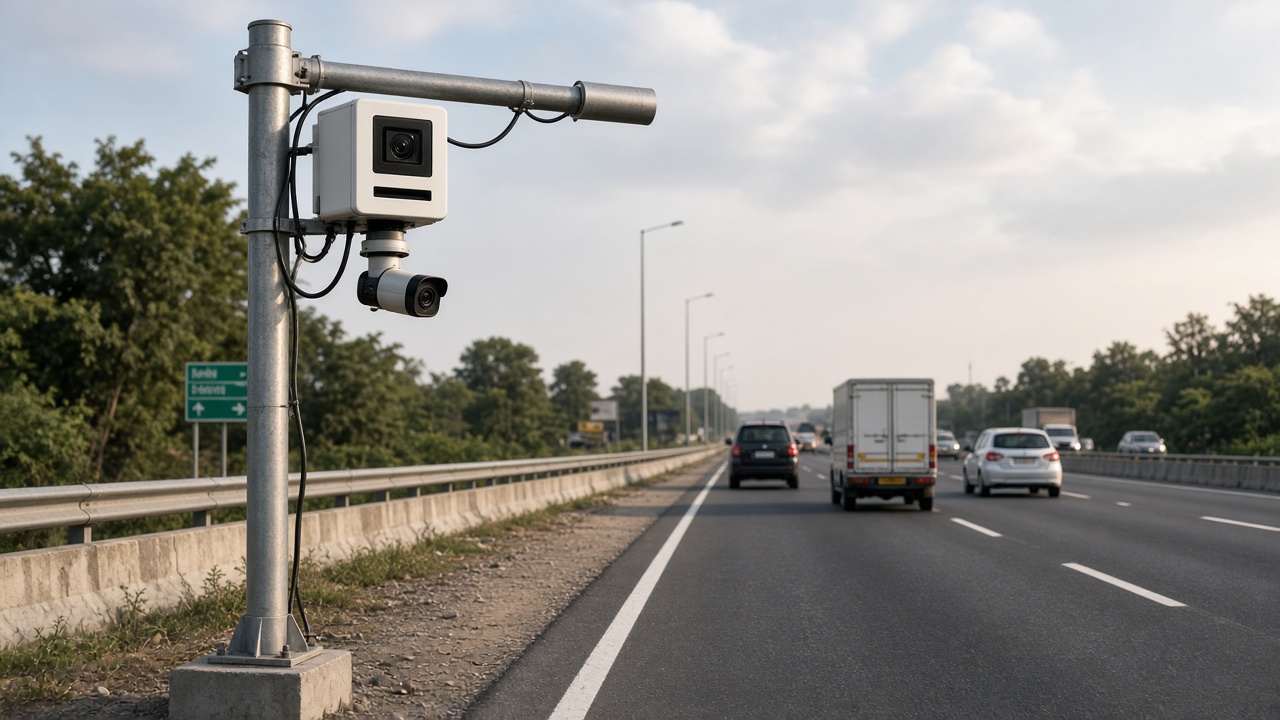
India combines dense urban traffic, large industrial estates, expanding retail, and active smart-city programmes. AI surveillance projects here often prioritise: Indian number-plate performance, mixed camera brownfields, on-prem or sovereign hosting preferences, Hindi/English operator UX, and integration with local enforcement or enterprise IT.
Case-style deployments — such as district traffic surveillance with ANPR and central monitoring — show how analytics becomes a programme: cameras, AI, events, and institutional process together.
Software for AI surveillance
Software selection for AI surveillance projects should follow Cluster 3’s checklist, with extra weight on multi-site administration, evidence integrity, and integration APIs. Prefer platforms that expose health of analytics services — silent AI failures are worse than loud false alarms.
System project and camera system design
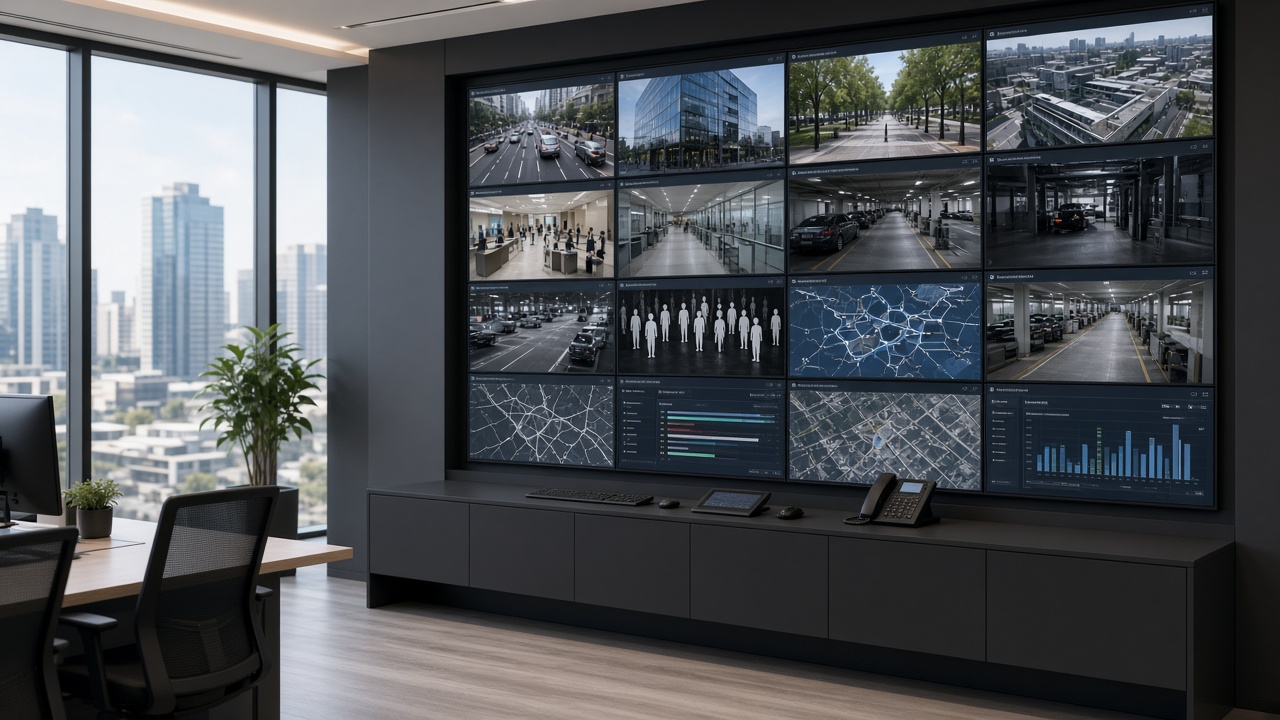
A camera system project for AI surveillance includes optics and mounting, network VLANs and bandwidth, time sync (NTP), storage retention, analytics compute, cybersecurity hardening, and operator workplaces. AI accuracy is downstream of these basics. A beautiful model on a shaky, backlit camera still fails.
Design tips: prioritise cameras that see the risk clearly; standardise mounting heights where possible; document each analytics camera’s purpose; keep a change log when zones or models update.
Articles and knowledge building
Teams learning AI surveillance should combine:
- foundational reading (Cluster 1)
- types/examples (Cluster 2)
- software literacy (Cluster 3)
- camera/app literacy (Cluster 4)
- and project practice (this cluster). Internal knowledge bases should store SOPs
- tuned zone screenshots
- false-alarm lessons
- and quarterly accuracy notes — living knowledge beats one-time training
Writing a one-page project charter
Before architecture workshops, write a one-page charter everyone can sign mentally:
- Outcome: the business or safety result in one sentence.
- Scope in: sites, camera count for phase 1, event types.
- Scope out: explicitly list what you will not do in phase 1.
- Owners: executive sponsor, security owner, IT owner, operations owner.
- Metrics: two or three numbers reviewed monthly.
- Risks: network readiness, night lighting, staffing for acknowledgement.
- Decision date: when pilot go/no-go will be decided.
This page prevents the classic failure mode where every stakeholder loads their favourite feature onto the same purchase order.
Acceptance tests for AI surveillance
Acceptance should be evidence-based. Prepare a folder of day and night sample clips from your cameras. For each contracted event type, define: minimum true detections on the sample set, maximum false alarms on a timed soak test, evidence package completeness, and operator workflow steps completed in under an agreed time. Sign only when those tests pass — not when a slide deck looks complete.
Include a failure drill: disconnect a camera and confirm health alerts appear. Include an overload drill: generate a burst of events and confirm the console remains usable.
Privacy and workplace trust
AI surveillance projects fail socially when staff feel watched without clarity. Publish what is detected, what is not detected, retention periods, and who can view live versus recorded versus event-only data. Avoid enabling sensitive modules (such as face-related features) unless policy, law, and works-council or HR processes explicitly allow them.
For industrial safety analytics, frame the programme as injury prevention with transparent coaching workflows — not only disciplinary filming. Trust improves response quality because people cooperate with camera placement and zone marking.
Scaling from pilot to programme
After a successful pilot, scale in waves by site or by building — not by enabling every module everywhere. For each wave: repeat camera classification, repeat zone design, repeat training, and keep a shared event dictionary so reports stay comparable. Appoint a platform owner who watches health and false-alarm trends across the estate.
Budget a continuous improvement loop: monthly tuning hours are cheaper than a year of ignored alerts. Treat analytics like any other production system — monitored, patched, and improved.
Layman glossary for projects
- Pilot: a time-boxed test on limited cameras with success criteria.
- Brownfield / greenfield: upgrading existing cameras versus building a new camera estate.
- SOP: standard operating procedure — the written response steps.
- Acceptance test: proof the system meets agreed detection and workflow standards.
- Event dictionary: the official list of event names and severities used everywhere.
- Programme: multi-wave rollout with owners, metrics, and continuous improvement — more than a single install.
Stakeholder map for AI surveillance programmes
List who must agree before money is spent: executive sponsor (funding and air cover), security/EHS (requirements), IT (network, identity, hosting), facilities (power and mounts), operations (response owners), legal/HR (privacy), and procurement (commercial terms). Missing any one of these creates late blockers.
Hold a 45-minute kickoff with all of them present. Share the one-page charter. Capture objections in the room — objections discovered after purchase are ten times more expensive.
Programme failure modes (and early warnings)
- Alert fatigue: acknowledgements drop; phones muted. Warning: rising alert volume without rising true positives.
- Orphan platform: vendor leaves after install; no internal owner. Warning: nobody can add a camera without a ticket to the SI.
- Metric drift: leadership still asks only “is AI installed?” Warning: no monthly dashboard of response and quality.
- Scope creep: every department adds modules before phase 1 is stable. Warning: pilot success criteria keep changing.
- Privacy backlash: staff learn about face modules from rumour. Warning: no published detection scope.
Budgeting in waves
Wave 0: discovery, network assessment, sample video capture. Wave 1: pilot cameras + software + training. Wave 2: priority site rollout. Wave 3: secondary sites and extra modules. Keep 10–15% contingency for camera re-aiming and unexpected GPU needs. Do not spend Wave 3 money before Wave 1 metrics exist.
Present budgets as outcome-linked: “Wave 1 buys measured reduction in missed perimeter events on Site A,” not “Wave 1 buys 40 AI licences.”
Knowledge handover that actually sticks
On project close, require: admin credentials in the organisation vault, runbook PDF, event dictionary, zone atlas screenshots, training attendance list, and a 30-day hypercare calendar with named contacts. Schedule a 60-day retrospective to capture false-alarm lessons while memory is fresh.
If the SI leaves and your team cannot add a camera or export evidence without them, handover failed — even if every camera is “online.”
Standing up a light governance board
For programmes beyond a single building, meet monthly for 30–45 minutes with security, IT, operations, and the platform owner. Agenda: KPI trend, top noisy cameras, upcoming layout changes, privacy questions, and budget risks. Keep minutes short and decisions explicit.
This board is not bureaucracy for its own sake. It is how you stop silent decay — the slow rise in false alarms and the slow loss of trust that kills AI surveillance programmes without a dramatic outage.
Invite the SI or software partner quarterly, not weekly, so internal owners stay in charge. Partners advise; the organisation decides.
Measuring ROI without fake precision
ROI for AI surveillance is often a mix of avoided loss, labour redeployment, safety incident reduction, and faster investigations. Avoid inventing false currency amounts. Prefer measurable operational proxies: hours saved on video search, reduction in unacknowledged alarms, PPE compliance trend, gate processing time, or median response time.
Pick two proxies before the pilot and stick to them for six months. Changing ROI definitions every steering meeting makes success impossible to recognise.
Qualitative wins matter too: supervisors who sleep better because night coverage is exception-based, or city officers who can find vehicle evidence in minutes. Capture quotes and examples alongside numbers.
What to do after reading Clusters 1–5
Write your one-page charter. Classify cameras A/B/C. Pick two event types. Schedule a two-week pilot with acceptance tests. Name the response owners. Publish a short privacy note for staff. Then — and only then — expand modules and sites.
Later clusters in this series go deeper into learning paths, vendors, and architecture. Use them after you have a live pilot problem to solve. Reading without a pilot becomes endless theory; piloting without reading becomes expensive thrash. Clusters 1–5 exist to help you do the first competent pilot on purpose.
Communication plan for launch week
Three days before go-live, email site leaders: what will change, what will not change, who to call, and how privacy is handled. Day of go-live, post a one-page notice in guard rooms and shift offices. Day three, hold a 20-minute feedback huddle and fix the top three noise sources immediately.
Silence during launch week is not calm — it is usually confusion. Over-communication for seven days prevents months of rumour. Include a single WhatsApp or Teams escalation contact that is staffed during the hypercare window.
After week one, publish a short “what we learned” note to the governance board. That habit turns launches into institutional memory instead of one-off heroics.
Also brief nearby teams that may be affected visually — for example, contractors who will see new camera angles or painted zone marks. Surprise is the enemy of trust in AI surveillance programmes.
Summary
- AI video analytics is the intelligence engine; surveillance is how your organisation uses it.
- Scope projects around one primary outcome, pilot honestly, design the camera system for AI, and keep knowledge living.
- Clusters 1–4 gave vocabulary, types, software, and cameras — this cluster turns them into a programme mindset.
- Later clusters continue into learning paths, companies, and deeper architecture topics.