
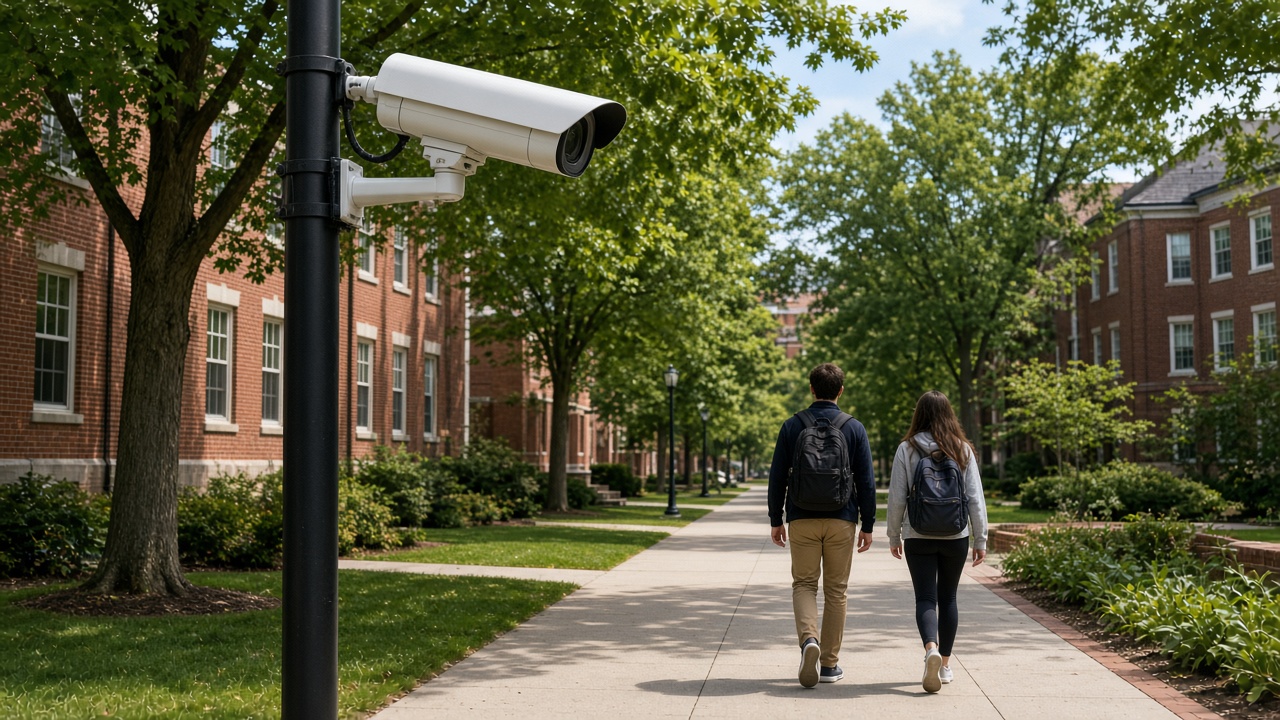
This is Cluster 6. This page folds learning paths, skills, tools, practice projects, careers, step-by-step how-tos, CCTV data access methods, and privacy into one practical guide. It is written for learners and operators — not as a vendor FAQ card set.
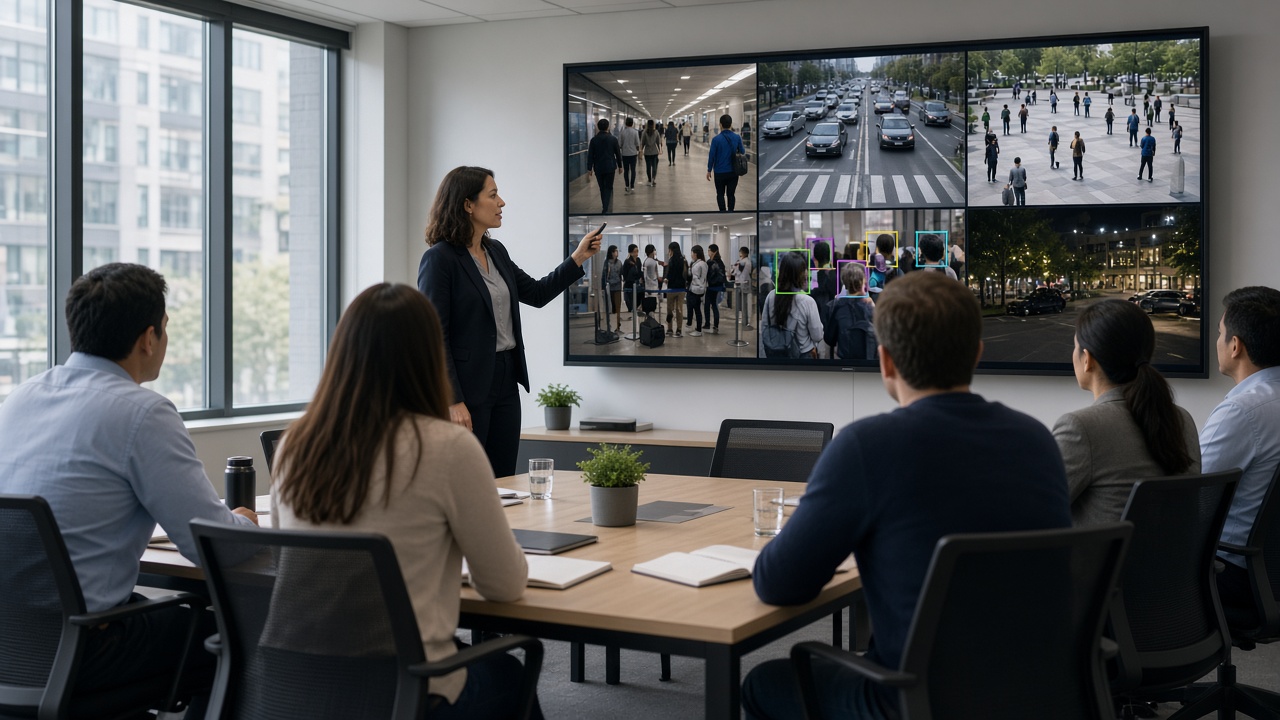
Learning path at a glance
Video analytics is easier to learn when you treat it as a stack of skills — cameras, streaming, computer vision, alerts, and responsible operations — instead of a single “AI course” checkbox. Use this snapshot to see where you are starting and what “done” looks like for a beginner project.
What is a video analytics course?
A video analytics course teaches you how software turns camera frames into useful decisions. In plain language: the camera sees pixels; analytics names objects, tracks movement, and raises an alert when a rule is broken. A good course mixes theory with labs so you can repeat the same pipeline on your own laptop and later on a site NVR.
Most useful courses cover four layers. First, camera and networking basics — resolution, frame rate, codecs, and why a blurry night stream breaks AI. Second, computer vision foundations — frames, bounding boxes, confidence scores, tracking IDs. Third, model practice — running a detector, reading outputs, reducing false alarms. Fourth, operations — dashboards, alert channels, evidence clips, and privacy rules.
You do not need a PhD to start. You do need patience with messy real video. Classroom demos often use clean daylight clips. Factory floors, rainy junctions, and warehouse aisles look different. A course that only shows perfect demos will leave you stuck when you connect to a live RTSP URL.
Who should learn video analytics?
Video analytics is no longer only for research labs. CCTV technicians who already install cameras gain a career edge when they can explain why a model fails at night and how to fix placement. Security supervisors learn to trust alerts without watching twenty screens. Developers learn to plug detectors into APIs and workflows. Operations managers in factories, malls, and logistics yards learn to define rules that match their SOPs.
Students from computer science, electronics, and data science often enter through coding. Field engineers often enter through cameras and networks. Both paths meet in the middle: a reliable pipeline from stream to decision. If your job is “make cameras useful,” this cluster is for you.
Skills you should build
Think in three skill bands. Foundational skills include reading a camera datasheet, checking IR night performance, verifying bitrate, and opening an RTSP URL in a player. Analytical skills include interpreting precision/recall in simple terms, labeling a small dataset, and tuning confidence thresholds. Product skills include writing alert text humans understand, designing a review queue, and documenting who can export clips.
Soft skills matter more than people expect. You must interview site owners: what event is truly important? A “person detected” alert everywhere creates noise. A “person in restricted zone after 10 pm” alert creates value. Learning to translate business risk into a detection rule is half the job.
Tools and environments
Beginners often start with Python, OpenCV, and a pre-trained detector (commonly YOLO-family or similar object detectors). Add a notebook or simple script that reads a video file, draws boxes, and writes an annotated clip. Next, connect the same script to an RTSP stream. Then move from “draw boxes” to “send an alert when a condition is true.”
On the operations side, learn at least one Video Management System (VMS) or NVR interface so you understand how enterprises store and search video. On the edge side, try a small inference box or GPU laptop. Cloud sandboxes help when you lack local hardware, but latency and bandwidth costs teach why hybrid designs are common in India.
Useful companion tools include stream testers (to verify RTSP), labeling tools (for custom classes like helmets), and lightweight message channels (email, WhatsApp business APIs, or ticketing) for alerts. You do not need every tool on day one. You need a repeatable lab setup you can reset when experiments go wrong.

Practice projects that teach the real stack
Pick projects that force you to handle imperfect video. Project one: people detection on a lobby camera — count entries for one hour and compare with a manual tally. Project two: PPE check on a shop-floor clip — helmet and vest presence with a confidence threshold. Project three: perimeter line crossing on a parking lane — alert only when a person crosses after hours. Project four: simple vehicle counting on a gate — separate cars from two-wheelers if your model supports it.
For each project, write a one-page report: camera angle, lighting notes, false alarm examples, and what you changed. That report becomes a portfolio piece and a habit that employers value. Portfolio screenshots of pretty boxes are weak; portfolio notes on failure modes are strong.
Careers after learning video analytics
Common roles include computer vision engineer, AI/ML engineer (vision track), video analytics solution engineer, VMS integration specialist, smart-city analyst, and industrial safety analytics lead. In India, demand clusters around Bengaluru, Hyderabad, Chennai, Pune, Mumbai, and Delhi NCR, plus project sites for smart cities and large plants.
Career growth often splits into two tracks. The builder track deepens models, datasets, and MLOps. The deployer track deepens site surveys, network design, SLA tuning, and stakeholder training. Both need fluency in privacy and evidence handling. Titles vary by company; what matters is whether you can ship a camera use case that operators trust for a full week without alert fatigue.
How to do video analytics — step by step
Here is a practical path you can follow on a single camera. Do not skip the early boring steps; most failures come from bad video, not bad models.
- Step 1 — Choose one clear goal. Example: “Alert when a person enters Zone A after 8 pm.” Vague goals like “improve security with AI” produce vague systems. Write the goal as an observable sentence a supervisor can verify.
- Step 2 — Choose a video source. Start with a recorded MP4 if you are new. Move to RTSP once detection works. Confirm you have permission to use the footage.
- Step 3 — Inspect quality. Pause random frames. Can a human see the object clearly? If not, AI will struggle. Fix height, angle, focus, IR, or bitrate before blaming the model.
- Step 4 — Run a baseline detector. Accept imperfect boxes at first. Log confidence scores. Learn what “0.4 vs 0.8 confidence” means in practice on your scene.
- Step 5 — Add business rules. Restrict by polygon zone, object class, minimum size, dwell time, and schedule. Rules cut false alarms faster than chasing a perfect model.
- Step 6 — Build the alert path. Send a short message with camera name, time, event type, and a thumbnail or clip link. Train reviewers on what to do next.
- Step 7 — Measure for one week. Count true alerts, false alerts, and missed events (when you know something happened). Adjust thresholds and zones. Document changes.
- Step 8 — Deploy carefully. Laptop demos are not production. Production needs uptime, user roles, retention, backup, and a rollback plan when a model update misbehaves.
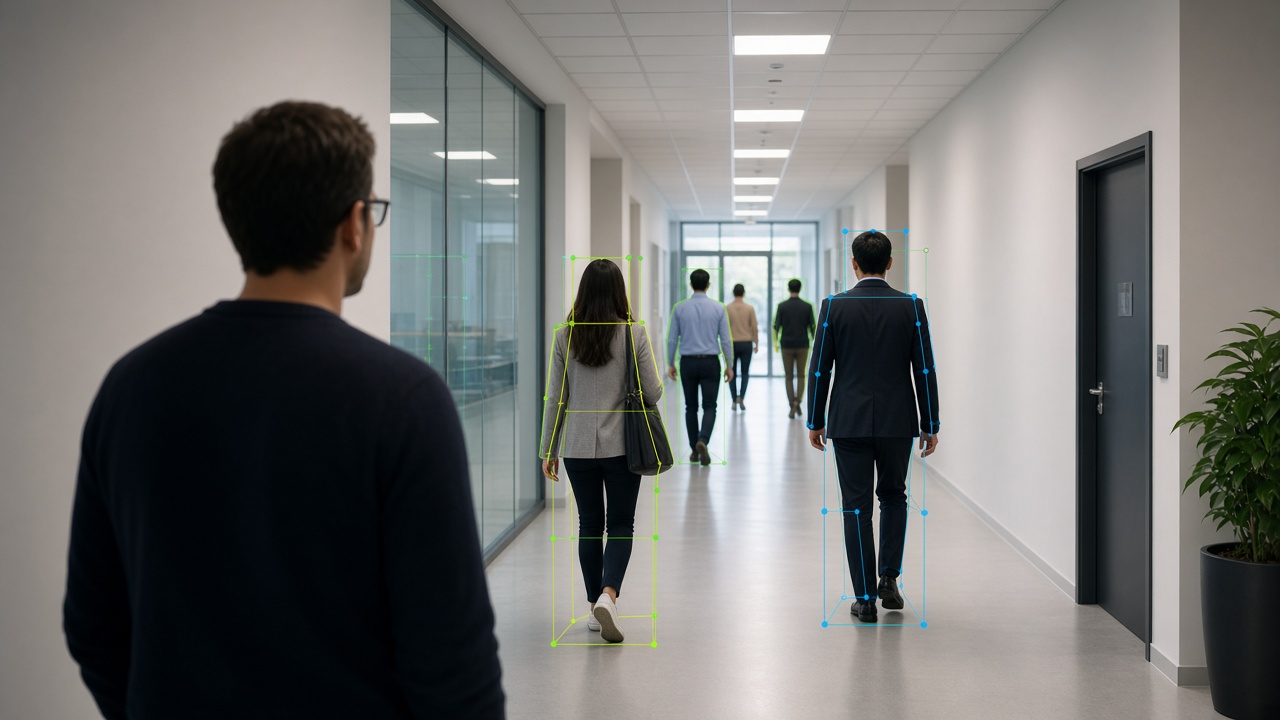
How to get data from CCTV (RTSP, NVR, cloud, edge, apps)
“Getting CCTV data” means obtaining video (or frames) that analytics can read. Enterprises rarely hand you a folder of clean files. You usually pull live streams, export clips from recorders, or receive curated datasets from an edge device. Always work through authorized channels.
- RTSP (Real Time Streaming Protocol) is the most common live path. Cameras and NVRs expose an RTSP URL. Your analytics software connects like a media player would. Challenges include authentication, firewall rules, stream instability, and substreams (a lower-resolution stream for AI can reduce load). Always prefer the substream only if object size remains large enough in the frame.
- NVR/DVR export is ideal for training and PoCs. Export a few hours across day and night. Label or review manually. Many Indian sites still run mixed vendor recorders; learn the export UI for at least two common brands so you are not blocked on day one.
- Cloud camera platforms may provide APIs, webhooks, or cloud storage buckets. Useful for multi-site retail chains. Watch bandwidth costs and data residency. Confirm where footage is stored geographically.
- Edge AI devices often store short event clips plus metadata (JSON with event type, confidence, timestamp). That is gold for analytics practice because the hard part — finding the event — is partially done. Still verify clips against original video when accuracy is disputed.
- Mobile camera apps from consumer/prosumer brands sometimes let you download clips. These are fine for learning at home. Enterprise projects usually need formal NVR or VMS access instead of personal phone downloads.

Privacy, consent, and safe practice
Learning with real CCTV means handling sensitive data. Faces, number plates, workplace behavior, and customer movement can all be personal or commercially sensitive. Follow company policy first. In India, treat the Digital Personal Data Protection (DPDP) Act mindset seriously when personal data is involved: minimize what you keep, limit who can access it, and define retention.
Practical habits: blur faces in public demos, store lab datasets on encrypted drives, never upload client footage to personal cloud accounts, and delete practice exports when the PoC ends. Ask for written permission before using site video in a portfolio. Prefer synthetic or public datasets when you only need coding practice.
Common mistakes beginners make
Jumping to custom model training before fixing camera placement is the classic trap. Another is evaluating only on sunny clips. A third is alerting on every detection without zones. A fourth is treating accuracy percentages from a brochure as guaranteed on your site. Always validate on your own cameras.
Also avoid learning only from YouTube channel analytics (views and watch time). That is a different field — covered in Cluster 7. CCTV video analytics is about understanding scenes for security, safety, and operations, not creator metrics.
A simple four-week learning plan
Week 1: Camera and streaming literacy. Open RTSP in a player. Export NVR clips. Read frames with OpenCV. Week 2: Run a detector on files and live streams. Log boxes and confidences. Week 3: Add zones, schedules, and alerts. Build a tiny review CSV of events. Week 4: Measure false alarms, write a one-page case note, and present to a mentor or teammate. This plan is enough to speak confidently in interviews and site meetings.
Summary
- Learning video analytics is a practice loop: understand cameras, pull video legally, detect objects, apply rules, alert humans, and measure mistakes.
- Courses help, but projects teach.
- Start with one camera and one goal.
- Build skills across tools, streaming, and privacy.
- When you can explain both a true alert and a false alarm from the same week of logs, you are no longer a beginner — you are ready for real deployments and the deeper topics in later clusters.