
This is Cluster 9. This page explains video analytics cameras - how they work, types, capabilities, and industry uses - then defines accuracy checkers / evaluation methods so you can trust detections before go-live. Photos and HTML info-blocks replace flat SVG banners.
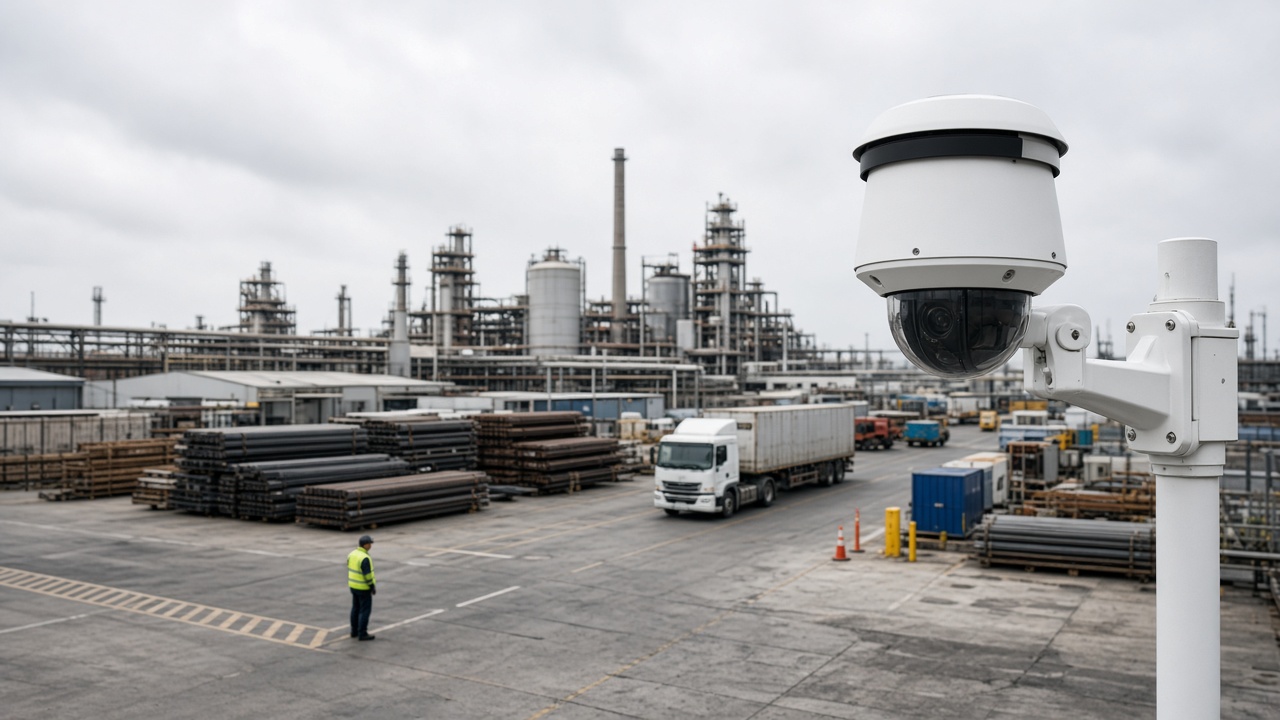
Cameras & checkers at a glance
A video analytics camera is more than a recorder. It participates in detection - either by running AI on the device (edge) or by streaming cleanly to a server or cloud that runs AI. An accuracy checker is the discipline and tooling that validates whether those detections are good enough for your site.
What is a video analytics camera?
It is a camera designed or configured so software can analyze what it sees. Some units include onboard chips that run neural networks locally. Others are high-quality IP cameras that feed a central analytics engine. In both cases, the goal is the same: turn live video into structured events - "person in zone," "no helmet," "vehicle stopped," "crowd density high" - instead of only storing footage.
Not every camera labeled "AI" is equal. Marketing language can mean simple motion detection, onboard face/person models, or full open platforms. Read the capability list, then verify on your scene.
How analytics cameras work
Light hits the sensor; the camera encodes video (often H.264/H.265). A stream travels over the network (or stays local). An AI model examines frames or short clips, proposes detections with confidence scores, and applies rules (zones, schedules, object classes). When a rule fires, the system creates an event with metadata and often a snapshot or clip. Operators review and act.
Image quality controls everything downstream. If a helmet is three pixels tall, no model will be reliable. Mounting height, focal length, shutter behavior at night, WDR for backlight, and bitrate ceilings are part of "AI success," not optional extras.
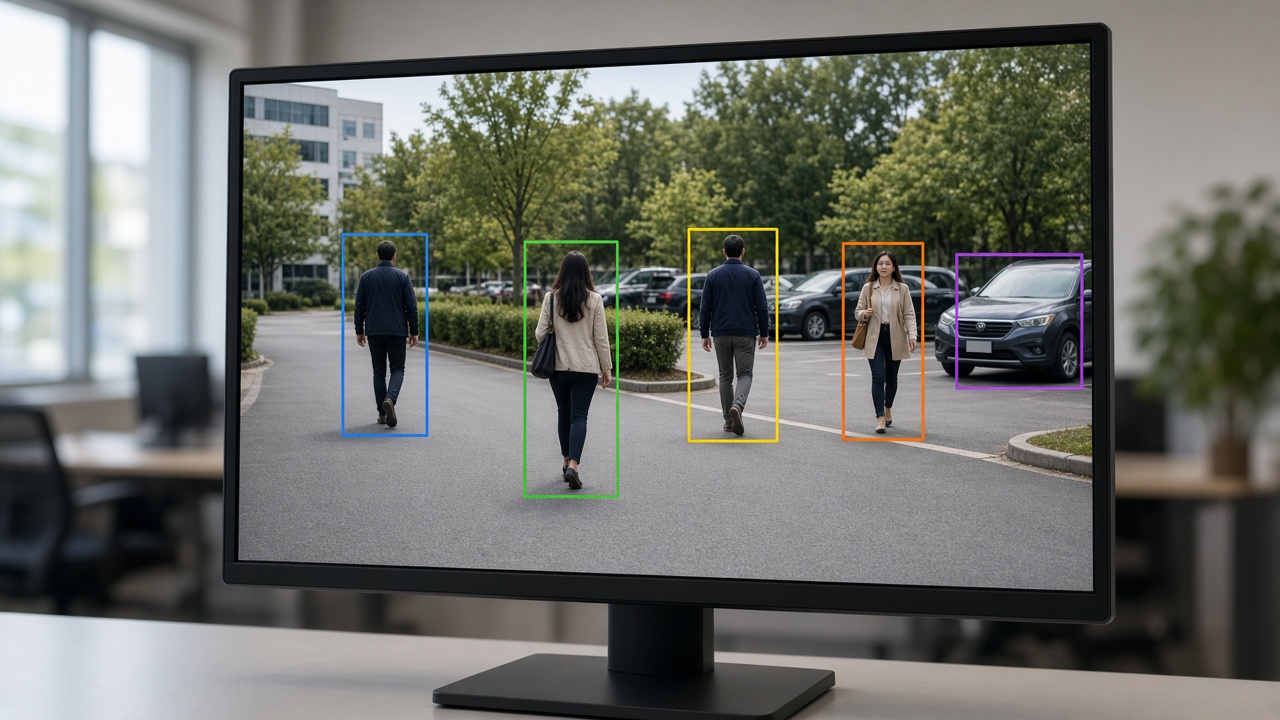
Common camera styles and deployment types
Edge AI reduces bandwidth and can work when the WAN is weak, but model updates and fleet management need planning. Cloud AI simplifies multi-site viewing but needs reliable uplink and clear data-residency answers. Hybrid is popular in India for exactly that reason.
Capabilities to expect
Common capabilities include person/vehicle detection, line crossing, intrusion zones, loitering, crowd density, PPE checks, slip/fall style alerts (use carefully), people counting, queue length, heatmaps, and ANPR when cameras are mounted and lit for plates. Capability lists should map to your SOP - unused features still cost complexity.
Industries and typical camera choices
Factories favor durable cameras with clear PPE views at gates and shop floors. Warehouses need wide aisles and dock coverage for people/vehicle interaction. Retail uses overhead angles for counts and queues. Cities need intersection geometry for traffic and enforcement. Campuses mix perimeter bullet cameras with lobby domes. Match the form factor (dome, bullet, PTZ, multi-sensor) to the job, then confirm AI performance.
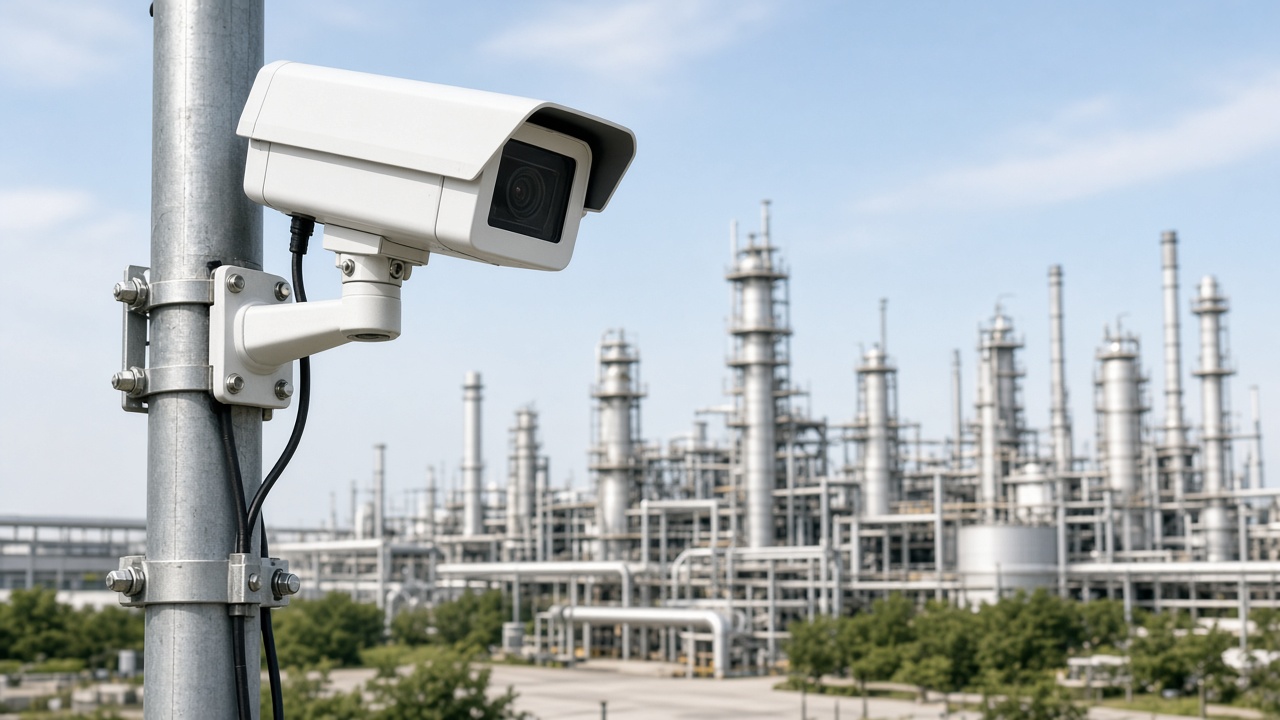
What is a video analytics checker?
A video analytics checker is any structured method - tool, checklist, or lab process - that validates detections against reality. It answers: How often is the system right? How often does it cry wolf? How often does it miss? How fast are alerts? How does night rain change results?
Enterprises use checkers before trusting AI in live operations. Without them, teams discover problems only after operators mute alerts. With them, you tune thresholds, zones, and camera angles while the cost of mistakes is still low.
Evaluations to run before go-live
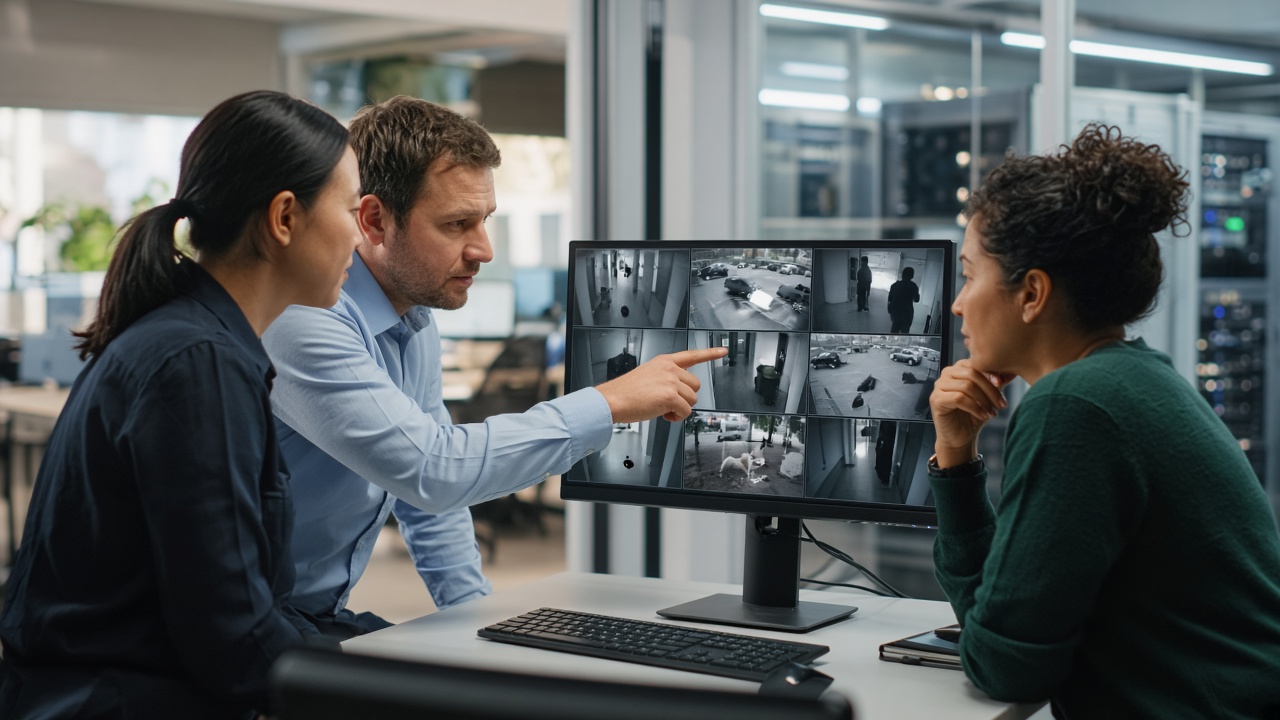
Collect day and night clips covering your hardest conditions. Label events manually for a sample period (even a simple spreadsheet works). Compare AI events to labels. Track false alarm rate per camera per day - operators feel this number. Track missed critical events separately; missing a real intrusion is not the same as an extra loitering ping.
Also measure latency (seconds from event to notification), stream uptime, and storage of evidence clips. Test user permissions: can a guard export footage they should not? Checkers are technical and operational.
Practical tips that improve accuracy
Place cameras so target objects are large enough in frame. Avoid steep top-down views for PPE if helmets become tiny. Use IR thoughtfully - washed-out night images hurt models. Prefer stable mounts; vibration creates jittery boxes. Separate detection zones from busy irrelevant areas (trees, flags, highways in the background).
Change one variable at a time during tuning. Keep a change log. Train operators to mark false alarms so engineers can fix root causes. Schedule re-checks after seasonal changes (monsoon foliage, festival lighting, new construction).
Buying checklist (camera + checker together)
Require a PoC on your video. Ask whether AI runs on camera, on edge box, or centrally. Confirm license model per channel. Demand an accuracy report format you can reuse quarterly. Ensure evidence clips are easy to export for investigations. Align retention with privacy policy.
Form factors and optics that affect AI
Dome cameras blend into lobbies but can suffer from housing glare and limited IR reach. Bullet cameras suit perimeters and roads with longer IR and easier sun shields. PTZ units help operators chase events but complicate continuous AI unless you also have fixed cameras covering the same scene. Multi-sensor cameras reduce pole clutter for intersections. Fisheye and panoramic units need dewarping awareness — analytics that assume a flat rectilinear view can mis-size objects.
Lens choice is an AI decision: a wide lens that “sees everything” may make distant people too small to classify. Prefer dedicated cameras for critical events over one camera asked to do five jobs poorly.
What checker tooling looks like in practice
Some platforms include review queues where operators mark true/false. Others export event CSVs for analysts. Labs may use labeling tools to create ground-truth boxes and compute IoU-style overlaps. You do not need exotic software to start: a shared sheet with timestamp, camera, event type, and human verdict already transforms debates into data.
Advanced teams build golden datasets per site season — monsoon, festival lighting, harvest dust — and re-run models against them before upgrades. That is a checker culture, not a one-time PoC stunt.
Edge camera AI vs central engine — checker implications
When AI runs on the camera, you must validate firmware versions and per-device settings. A fleet can drift: one camera on old firmware behaves differently. Central engines make model versions consistent but depend on stream quality. Checkers should record where inference ran. Otherwise you will chase “model bugs” that are actually bitrate drops on one VLAN.
Hybrid estates need dual validation: confirm edge alerts for latency-critical events and central analytics for counting/search workloads.
Myths about accuracy
- Myth: Higher megapixels always mean better AI. Reality: Object size in pixels, compression, and shutter matter more.
- Myth: 99% brochure accuracy transfers to your yard. Reality: Your yard is the only scoreboard.
- Myth: More analytics packs increase safety. Reality: Unused packs create noise and license cost.
- Myth: Checkers are only for PoC. Reality: Continuous validation keeps trust after go-live.
Handover package from PoC to operations
When cameras and checkers pass, hand over: camera maps, zone drawings, threshold table, false-alarm playbook, escalation contacts, and a quarterly re-validation date. Without this package, knowledge leaves with the vendor engineer. With it, your SOC can sustain results.
Night, weather, and seasonal stress tests
India’s operating conditions punish naive demos. Test monsoon reflections, dusty summers, festival lights, fog in some regions, and strong backlight at dawn/dusk. IR-only night scenes can flatten color cues that PPE models relied on in daylight. WDR helps entrance doors with bright outdoors and dark indoors. If your checker skips seasons, your go-live month may be the first real exam.
Build a stress clip library per site: ten minutes of each hard condition. Re-run after firmware or model changes. Promote cameras that survive stress; redesign those that do not — sometimes the fix is a second camera, not a higher confidence threshold.
Human-in-the-loop review design
Checkers work best when humans can mark events quickly. Design review UIs with keyboard shortcuts, clear thumbnails, and mandatory reason codes for false alarms (glare, insect, shadow, wrong class, zone too large). Those reason codes feed engineering better than a binary false/true alone.
Do not punish guards for marking false alarms — that data is gold. Punish only ignored critical alerts after training. Culture is part of accuracy.
Special case: ANPR and plate-oriented cameras
Number plate analytics need shutter speed, mounting height, lane alignment, and illumination suited to plates — not general courtyard views. A checker for ANPR tracks read rate, character confusion, and vehicle mismatch. Do not judge ANPR cameras with the same checklist as PPE cameras. Separate validation tracks prevent false conclusions like “AI is bad” when the optic geometry was wrong.
For mixed estates, label cameras by primary analytic purpose in your asset inventory. Checkers then run the right tests on the right devices.
Acceptance criteria you can put in a contract
Turn checker results into contractual language carefully. Example: “For Camera Group A (PPE gate), false alarms shall average under N per camera per day over a 14-day soak, with missed critical events under M, measured using the agreed review protocol.” Avoid absolute zero-miss promises. Include exclusions for force majeure lighting failures and vandalized cameras.
Define the measurement method: who labels, how disputes are resolved, and whether vendor engineers may retune during the soak (usually yes, within a change log). Acceptance should also cover latency and evidence completeness — an alert without a usable clip may fail operational acceptance even if the detection class was correct.
After acceptance, schedule the first quarterly re-check in the contract or AMC. Cameras move, trees grow, and processes change. Accuracy is a living property of the system, not a one-time certificate.
Camera inventory fields that help checkers forever
Tag every analytic camera with: purpose (PPE, perimeter, count, ANPR…), mount height, lens/focal length, day/night mode notes, analytics packs enabled, inference location (edge/camera/server), last validation date, and owner. This inventory turns checkers from heroic archaeology into routine ops.
When a model update ships, filter the inventory by pack and re-validate only affected cameras first. When a site reports “AI got worse,” check whether someone rotated a camera during civil work. Inventory plus checker culture is how large estates stay accurate without boiling the ocean every month.
Share a read-only inventory view with security and EHS leads so business owners understand which cameras are actually analytic — not every dome on the ceiling.
Sample validation week for one gate camera
Day 1: confirm image quality at shift change and at night. Day 2: enable PPE pack only; set conservative thresholds. Day 3: operators mark every alert. Day 4: engineer retunes zones using reason codes. Day 5: soak without retunes; measure false/miss. Day 6: compare against manual spot checks at the gate. Day 7: write acceptance notes and schedule the next quarterly check. This simple week teaches more than a month of unmeasured live running.
Scale the same rhythm to camera groups. Never validate fifty cameras on day one. Prove the method on one, template it, then fan out. That is how checkers stay affordable.
If leadership asks for a go-live date before a validation week exists, show them the cost of muted alerts after a noisy launch. Most sponsors will give you the week.
Training operators to work with checkers
Spend an hour showing guards how marking false alarms improves their future shift. Show engineers how reason codes map to optic fixes. Show managers a weekly digest chart. When everyone understands the checker loop, accuracy becomes a shared sport instead of a vendor blame game. That cultural piece is as important as any camera SKU on the purchase order.
Summary
- Video analytics cameras succeed when imaging and AI work together.
- Choose types (edge, cloud, hybrid, industrial, city) based on latency, bandwidth, and governance needs.
- Treat checkers as mandatory: measure true detections, false alarms, misses, latency, and hard conditions before trusting live operations.
- Placement, lighting, and zones often improve accuracy more than chasing a newer model name.
- Buy cameras and validation habits as one system.